Microsoft Copilot Data Privacy: What It Sees & Keeps (2026)
Copilot data privacy explained — how Enterprise Data Protection works, whether Microsoft trains on tenant data, the oversharing problem Copilot exposes, and how to control what it can reach.
Microsoft 365 Copilot has a genuinely strong baseline. Under Enterprise Data Protection, your tenant's prompts and responses are not used to train Microsoft's foundation models, and data stays within your Microsoft 365 compliance boundary.
But the consumer Copilot is a different product with different terms — and employees use it, often signed in with a personal account.
Copilot's defining privacy problem isn't training — it's permissions. Copilot honors existing access rights, which means it will happily surface anything an employee technically has access to: the HR folder nobody locked down, the finance spreadsheet on an open SharePoint site, the old "anyone with the link" file. Copilot doesn't create oversharing; it makes years of it instantly discoverable.
The fix is upstream: find and remediate the overshared sensitive data before Copilot indexes it, and control what leaves.
What Copilot Can See
Microsoft 365 Copilot is grounded in your tenant via Microsoft Graph. That means its context is, in principle, everything the signed-in user has permission to open:
Emails and attachments in Outlook
Files across SharePoint, OneDrive, and Teams
Chats and channel messages
Calendar, contacts, and meeting content
It doesn't grant new permissions — and that's precisely the issue. Most organizations have accumulated a decade of sloppy sharing: sites open to "everyone," links shared to the whole company, files inherited by teams that shouldn't have them. Before Copilot, that latent exposure was largely theoretical because nobody could find those files. Copilot makes it a search query away.
Does Microsoft Train on Your Copilot Data?
Copilot
Trains on your data?
Notes
Microsoft 365 Copilot (Enterprise Data Protection)
No
Prompts/responses stay in your compliance boundary; not used to train foundation models
Copilot with commercial data protection (Entra-signed-in)
No
Chat data not retained for training
Consumer Copilot (personal account)
Different terms
Not governed by your tenant's protections
So on the enterprise product, training is genuinely not the concern. The concern is what Copilot surfaces, and what employees then do with it — including pasting it into a different AI tool that has no such protections.
✨ The Real Copilot Privacy Risk: Oversharing Made Searchable
The pattern we see repeatedly when customers deploy Copilot:
An employee asks Copilot a benign question and gets back salary data from an HR file on a site with broad permissions
A contractor's Copilot surfaces customer PII from a SharePoint library that was opened "temporarily" in 2021
Copilot summarizes a document containing PHI or card data the user technically could open but had no business reason to see
Nothing was hacked. Every permission check passed. That's what makes it a governance failure rather than a security breach — and why "Copilot readiness" projects are really data-hygiene projects.
Copilot readiness starts here: find the sensitive data sitting in overshared locations before Copilot indexes it.
How to Get Copilot Data Privacy Right
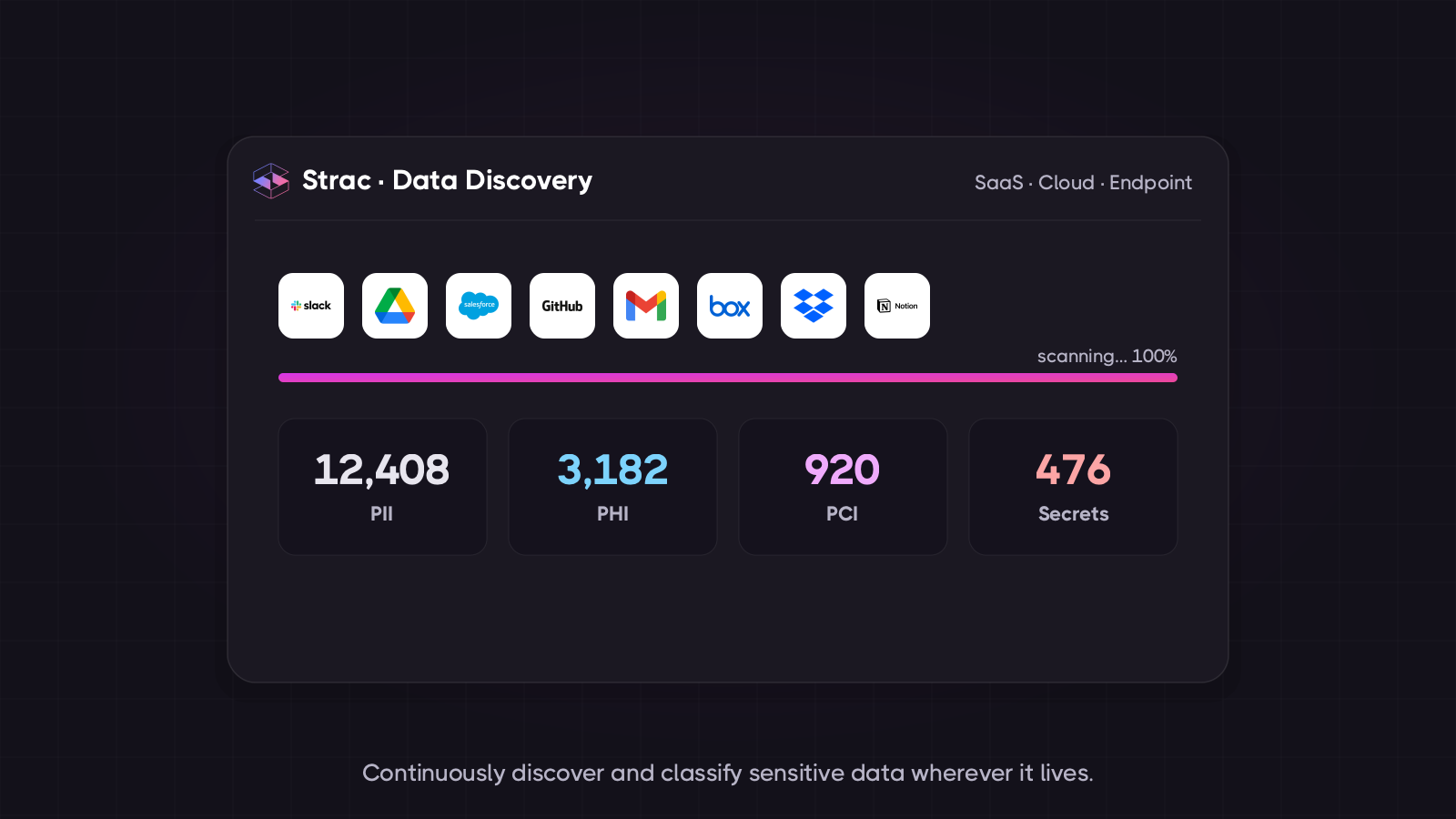
Discover before you deploy. Scan SharePoint, OneDrive, and Teams for sensitive data — PII, PHI, PCI, secrets — and know where it lives. You cannot govern what you haven't found.
Fix the oversharing. Remediate public links, over-broad site permissions, and stale access. This is the single highest-value Copilot prep step.
Label and remediate the data itself — redact, mask, or quarantine sensitive content in files so that even a permitted user (or Copilot) doesn't see raw regulated data.
Control the other AI tools. Copilot's protections don't extend to the ChatGPT tab your employee opens next. Cover the browser layer too.
Prove it — log every finding and remediation as evidence for SOC 2, HIPAA, and GDPR.
Strac does all five: agentless discovery and classification across SharePoint, OneDrive, Microsoft 365, and 60+ apps; automatic remediation (redact, mask, revoke sharing, quarantine); and browser-level protection for every other AI tool your people use.
The browser surface: sensitive data stripped from the prompt before it is submitted.
🌶️ Spicy FAQs for Copilot Data Privacy
Does Microsoft Copilot train on my company's data?
Microsoft 365 Copilot under Enterprise Data Protection does not use your prompts, responses, or tenant data to train its foundation models, and that data stays within your Microsoft 365 compliance boundary. The consumer version of Copilot operates under different terms — which matters, because employees often sign in with personal accounts.
Is Microsoft Copilot secure?
The platform is secure in the conventional sense — encryption, tenant isolation, compliance certifications, and permission enforcement. Its risk is different: Copilot honors existing permissions, so it surfaces whatever a user can technically access. If your SharePoint has years of oversharing, Copilot makes that instantly findable. Security is fine; governance is the gap.
What is the biggest privacy risk with Copilot?
Oversharing. Copilot doesn't create new access, but it removes the friction that used to hide poorly-permissioned files. Salary data, customer PII, and confidential contracts that were technically accessible but practically buried become one natural-language query away. That's why Copilot rollouts should start with a data-discovery and permissions cleanup.
How do I prepare our data for a Copilot rollout?
Three steps in order: discover where sensitive data actually lives across SharePoint, OneDrive, and Teams; remediate oversharing (public links, over-broad permissions, stale access); and apply remediation to the data itself (redact/mask/quarantine what shouldn't be broadly visible). Only then turn Copilot loose.
Does Copilot's data protection cover ChatGPT or Claude too?
No. Enterprise Data Protection is a Microsoft boundary — it says nothing about the other AI tools your employees use. The same person protected inside Copilot can paste a customer record into ChatGPT a minute later. Covering that requires a browser-level control across every AI tool.
Locking down Microsoft 365 Copilot? See Microsoft Copilot DLP — stop oversharing and prompt leakage.
The Bottom Line
Microsoft Copilot data privacy is, unusually, not primarily a training question — Microsoft's enterprise terms handle that. It's a permissions and oversharing question, and Copilot's superpower (finding anything you can access) is exactly what turns dormant data-hygiene debt into an active exposure. Clean the data first, control the other AI tools second, and Copilot becomes safe to love.
Book a demo to see Copilot-readiness discovery and oversharing remediation across your Microsoft 365 estate.
Does Microsoft Copilot train on my company's data?
Microsoft 365 Copilot under Enterprise Data Protection does not use your prompts, responses, or tenant data to train its foundation models, and that data stays within your Microsoft 365 compliance boundary. The consumer version of Copilot operates under different terms — which matters, because employees often sign in with personal accounts.
Is Microsoft Copilot secure?
The platform is secure in the conventional sense — encryption, tenant isolation, compliance certifications, and permission enforcement. Its risk is different: Copilot honors existing permissions, so it surfaces whatever a user can technically access. If your SharePoint has years of oversharing, Copilot makes that instantly findable. Security is fine; governance is the gap.
What is the biggest privacy risk with Copilot?
Oversharing. Copilot doesn't create new access, but it removes the friction that used to hide poorly-permissioned files. Salary data, customer PII, and confidential contracts that were technically accessible but practically buried become one natural-language query away. That's why Copilot rollouts should start with a data-discovery and permissions cleanup.
How do I prepare our data for a Copilot rollout?
Three steps in order: discover where sensitive data actually lives across SharePoint, OneDrive, and Teams; remediate oversharing (public links, over-broad permissions, stale access); and apply remediation to the data itself (redact/mask/quarantine what shouldn't be broadly visible). Only then turn Copilot loose.
Does Copilot's data protection cover ChatGPT or Claude too?
No. Enterprise Data Protection is a Microsoft boundary — it says nothing about the other AI tools your employees use. The same person protected inside Copilot can paste a customer record into ChatGPT a minute later. Covering that requires a browser-level control across every AI tool.
Discover & Protect Data on SaaS, AI, MCP, Endpoints & Cloud
Strac provides end-to-end data loss prevention for all SaaS and Cloud apps. Integrate in under 10 minutes and experience the benefits of live DLP scanning, live redaction, and a fortified SaaS environment.


.webp)






.avif)




.gif)
