Search “Microsoft 365 SOC 2 compliance” and you hit an immediate confusion: Microsoft 365 already has its own SOC 2 report. So are you done? No — and this is the single most expensive misunderstanding in a SOC 2 audit. Microsoft 365’s SOC 2 covers Microsoft’s own cloud infrastructure and service operations. It says nothing about how your organization has configured Microsoft 365. Under the shared responsibility model, how you configure Entra ID Conditional Access, privileged roles, offboarding, and audit logging is entirely on you, and that is exactly what your auditor samples.
So “Microsoft 365 SOC 2 compliance” really means two things: (1) configuring Microsoft 365 so its security controls satisfy the relevant Trust Services Criteria, and (2) continuously proving they stayed configured across your audit window. This guide covers both — the exact settings, and how to generate the evidence automatically instead of screenshotting it the week before fieldwork. For the platform landscape, see our SOC 2 compliance software guide; for the control list, the SOC 2 controls breakdown.
What Microsoft Owns vs What You Own
Microsoft publishes its own SOC 2 reports for Microsoft 365 and Azure (via the Service Trust Portal). Your auditor inherits that for the platform layer and tests your tenant: is Conditional Access enforcing MFA, are Global Admins minimized, are terminated users deactivated promptly, and is the unified audit log retained? M365 carries most of your identity (Entra ID) and a large share of unstructured data (Exchange, SharePoint, OneDrive, Teams).
✨ Which SOC 2 Controls Your M365 Config Touches
M365 area
What to configure
SOC 2 criterion
Conditional Access
Enforce MFA for all users + risk-based policies
CC6.1
Privileged roles
Minimize Global Admins; PIM just-in-time
CC6.3
Offboarding
Disable terminated accounts within SLA
CC6.2
Audit log
Enable + retain the unified audit log
CC7.2
Sharing
Restrict external SharePoint/OneDrive sharing
CC6.7
Defender
Threat policies enabled and alerts triaged
CC7.2, CC7.3
✨ The Microsoft 365 SOC 2 Configuration Checklist
1. Enforce identity with Conditional Access (CC6.1)
- Require MFA for all users via Conditional Access (replace legacy per-user MFA).
- Block legacy authentication protocols that bypass MFA.
- Add risk-based policies (sign-in/user risk) where licensing allows.
2. Minimize and review privilege (CC6.2, CC6.3)
- Reduce Global Administrators to the minimum; use least-privileged admin roles.
- Adopt Privileged Identity Management (PIM) for just-in-time elevation.
- Disable terminated-user accounts within your offboarding SLA and review periodically.
3. Log and contain data (CC7.2, CC6.7)
- Enable and retain the unified audit log; route alerts from Microsoft Defender.
- Restrict external sharing in SharePoint and OneDrive for sensitive content.
- Configure Purview/DLP policies for Exchange, SharePoint, and Teams — and verify they fire.
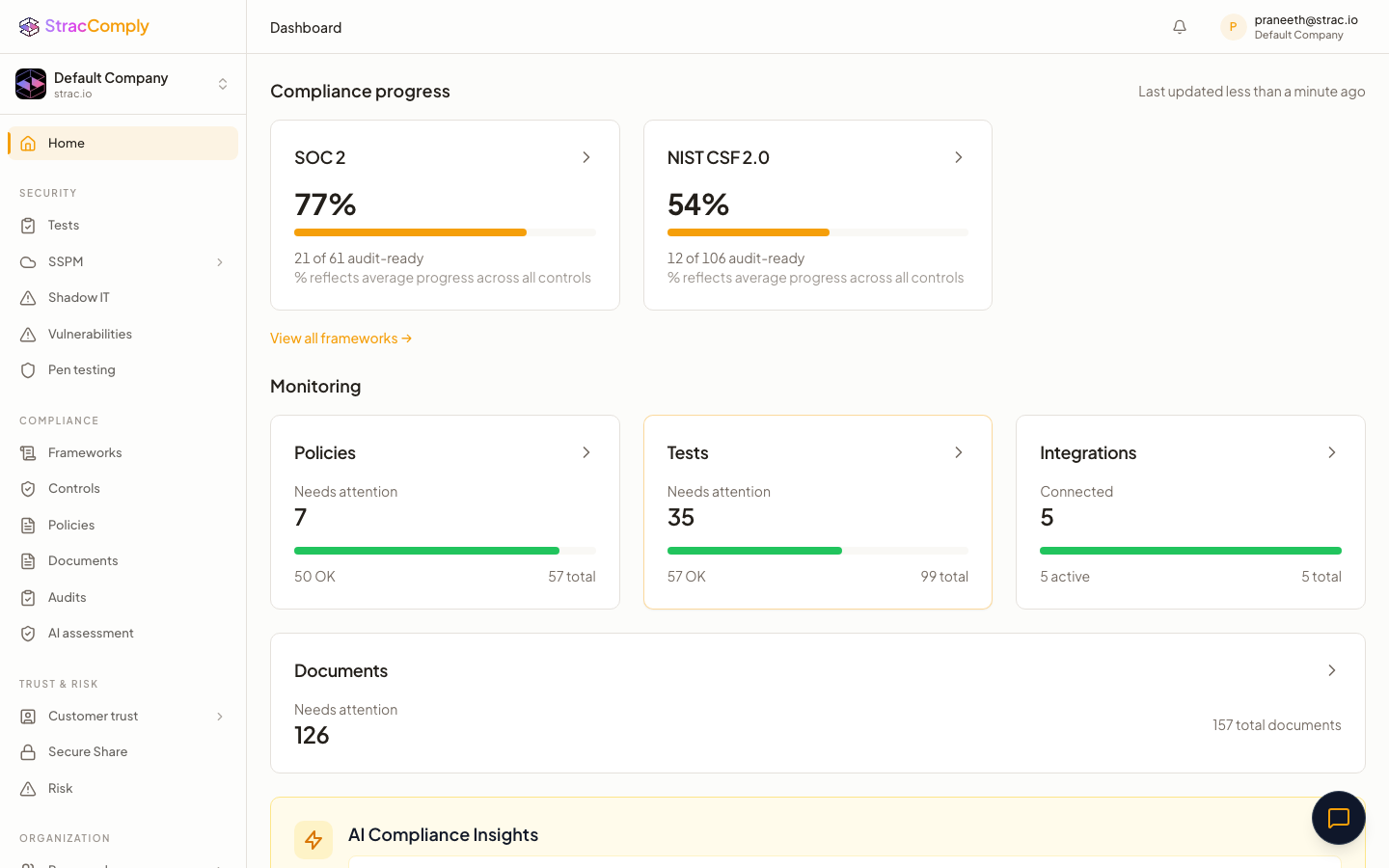
✨ How Strac Comply Automates Microsoft 365 SOC 2 Evidence
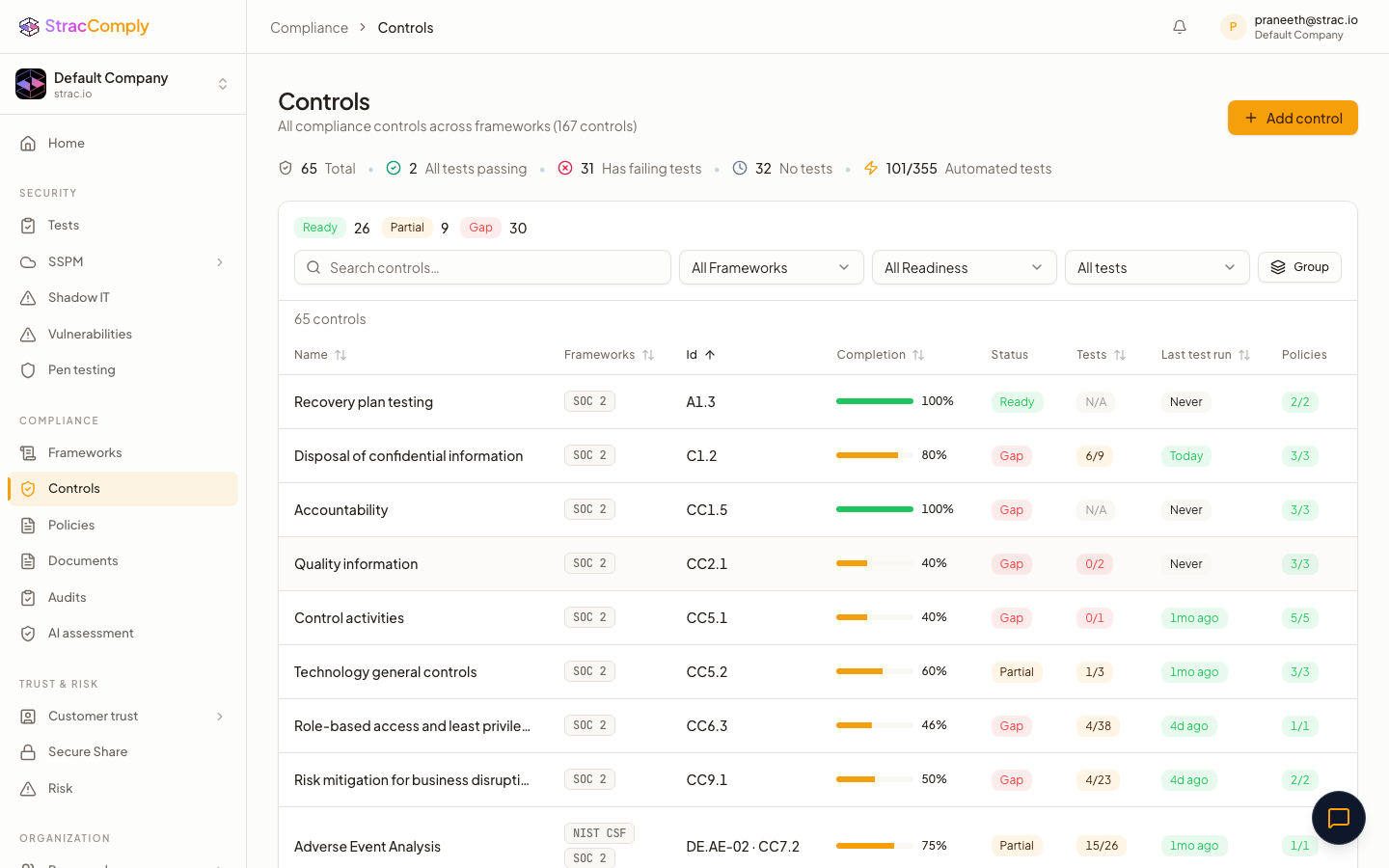
Below is what Strac Comply continuously checks across your M365 tenant. The difference from a checklist tool: Strac Comply doesn’t ask you to attest that a control exists — it runs the test against your live Microsoft 365 environment every day, and the pass/fail result is the audit evidence. The connection that proves the control is the connection that catches it drifting.

And because Strac Comply runs on Strac’s data security platform, the data-protection control (CC6.7) isn’t just attested — sensitive data in Microsoft 365 is discovered, classified, and protected, and that enforcement is the evidence. The same edge makes Generative AI DLP and MCP security evidence continuous. See the full platform in the SOC 2 compliance software guide.
Common Microsoft 365 SOC 2 Mistakes
- Legacy auth left on. It silently bypasses MFA — an immediate CC6.1 finding.
- Global Admin sprawl. Too many standing Global Admins; no PIM. Auditors flag standing privilege.
- Slow offboarding. A terminated employee’s account still active weeks later fails CC6.2.
- Audit log not enabled/retained. Without it you can’t produce the monitoring evidence CC7.2 needs.
Prove your Microsoft 365 SOC 2 controls automatically
Strac Comply verifies Conditional Access/MFA, privileged-role minimization, offboarding, and audit logging continuously — and its DLP protects data across Exchange, SharePoint, and Teams for CC6.7.
Start at comply.strac.io →
Related integration SOC 2 guides: AWS SOC 2, GitHub SOC 2, Google Workspace SOC 2.
🌶️ Spicy FAQs for Microsoft 365 SOC 2 compliance
Is Microsoft 365 SOC 2 compliant?
Yes — Microsoft maintains its own SOC 2 reports for M365 (Service Trust Portal). But that covers Microsoft’s side. Your audit tests your tenant configuration: Conditional Access/MFA, privileged roles, offboarding, and audit logging.
Which SOC 2 controls does M365 cover?
Primarily access controls (CC6.1–CC6.3) through Entra ID Conditional Access and privileged-role management, and monitoring (CC7.2) through the unified audit log.
Does Conditional Access satisfy SOC 2 MFA?
Yes, when configured to require MFA for all users and to block legacy authentication. CC6.1 wants enforced MFA; Conditional Access is the modern way to enforce it tenant-wide.
How fast must I deactivate terminated users?
SOC 2 doesn’t set a fixed number, but you must meet your own documented offboarding SLA consistently. Auditors sample leavers across the window and check the account was disabled in time.
How do I prove M365 data is protected?
A Purview/DLP policy existing isn’t proof. Strac Comply with Microsoft 365 DLP shows actual redaction/blocking events as CC6.7 evidence.


.webp)







.avif)



.gif)
