Search “AWS SOC 2 compliance” and you hit an immediate confusion: AWS already has its own SOC 2 report. So are you done? No — and this is the single most expensive misunderstanding in a SOC 2 audit. AWS’s SOC 2 covers AWS’s own data centers, hardware, and managed-service operations. It says nothing about how your organization has configured AWS. Under the shared responsibility model, everything you build in your account — IAM policies, S3 bucket settings, encryption, and logging is entirely on you, and that is exactly what your auditor samples.
So “AWS SOC 2 compliance” really means two things: (1) configuring AWS so its security controls satisfy the relevant Trust Services Criteria, and (2) continuously proving they stayed configured across your audit window. This guide covers both — the exact settings, and how to generate the evidence automatically instead of screenshotting it the week before fieldwork. For the platform landscape, see our SOC 2 compliance software guide; for the control list, the SOC 2 controls breakdown.
The AWS Shared Responsibility Model, in SOC 2 Terms
AWS is responsible for security of the cloud; you are responsible for security in the cloud. Your SOC 2 auditor only tests the second half. AWS’s SOC 2 report (downloadable from AWS Artifact) is evidence you can inherit for the physical and infrastructure layer — include it as a sub-service organization report. Everything above the hypervisor is yours to configure and prove.
✨ Which SOC 2 Controls Your AWS Config Touches
AWS area
What to configure
SOC 2 criterion
IAM
MFA on all users + root; no inline policies; no long-lived access keys
CC6.1, CC6.3
S3
Block Public Access account-wide; bucket policies least-privilege
CC6.1, CC6.6
Encryption
KMS encryption at rest on S3/EBS/RDS; TLS in transit
CC6.7
CloudTrail
Enabled all regions; logs immutable + centralized
CC7.2
AWS Config
Drift detection rules on key resources
CC7.1
GuardDuty
Threat detection enabled and triaged
CC7.2, CC7.3
✨ The AWS SOC 2 Configuration Checklist
Work these in order. Each is a control your auditor will sample evidence for across the whole observation window — not just on audit day.
1. Lock down identity (CC6.1, CC6.3)
- Enforce MFA on every IAM user and on the root account; remove root access keys entirely.
- Replace inline user policies with group/role-based least privilege; no
*:* grants. - Rotate or eliminate long-lived access keys; prefer IAM roles and short-lived credentials.
- Set a password policy meeting complexity + rotation requirements.
2. Close public exposure (CC6.6)
- Enable S3 Block Public Access at the account level (not just per bucket).
- Audit security groups for
0.0.0.0/0 on sensitive ports (22, 3389, database ports).
3. Encrypt everything (CC6.7)
- KMS encryption at rest on S3, EBS, RDS, DynamoDB, and snapshots.
- Enforce TLS for data in transit; redirect HTTP to HTTPS at the load balancer.
4. Log and monitor (CC7.1, CC7.2)
- CloudTrail in all regions, writing to a centralized, immutable (object-lock) S3 bucket.
- AWS Config rules for continuous resource compliance + drift alerts.
- GuardDuty enabled with findings routed to your ticketing/alerting.
✨ How Strac Comply Automates AWS SOC 2 Evidence
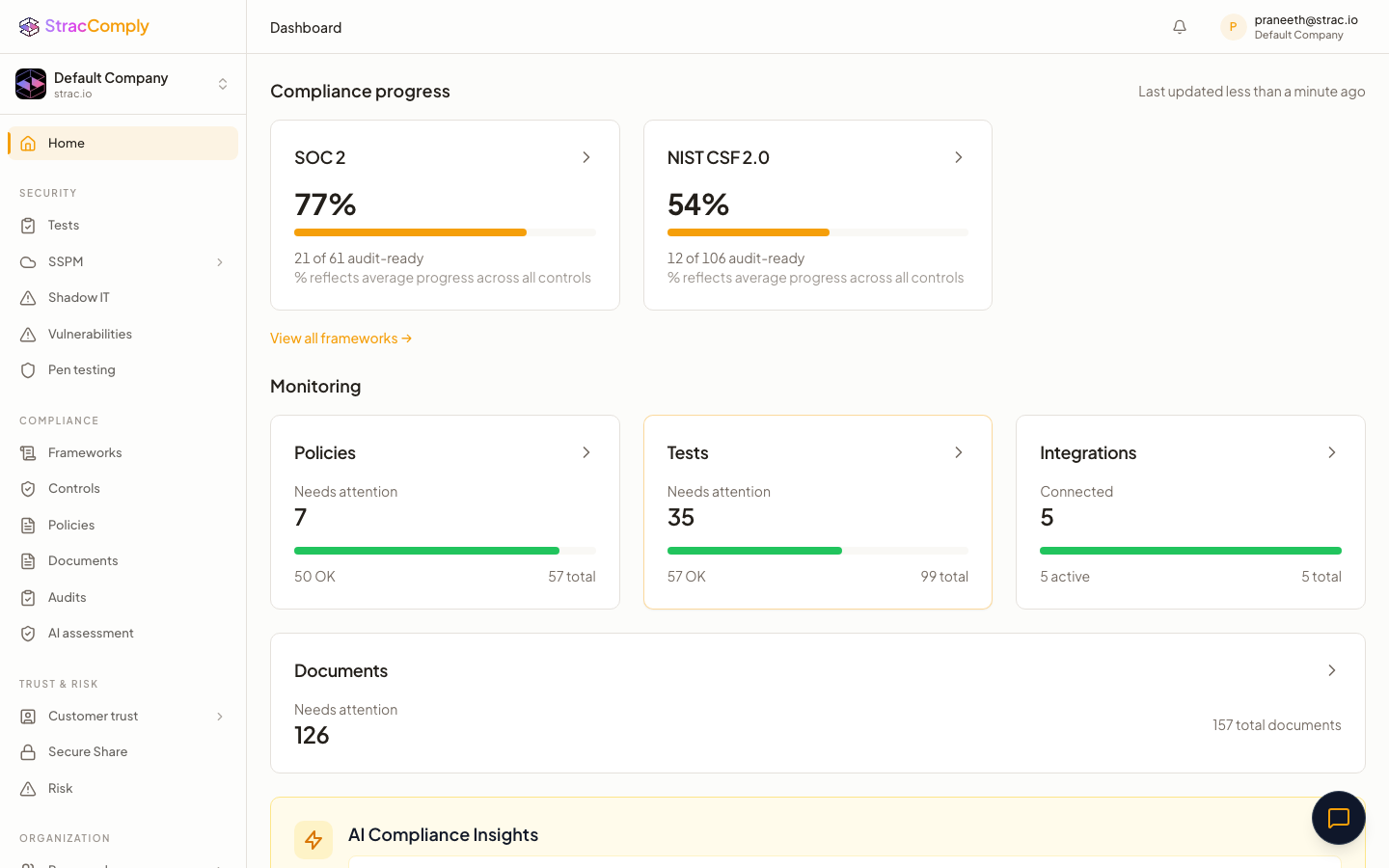
Below is what Strac Comply continuously checks in your AWS account. The difference from a checklist tool: Strac Comply doesn’t ask you to attest that a control exists — it runs the test against your live AWS environment every day, and the pass/fail result is the audit evidence. The connection that proves the control is the connection that catches it drifting.

And because Strac Comply runs on Strac’s data security platform, the data-protection control (CC6.7) isn’t just attested — sensitive data in AWS is discovered, classified, and protected, and that enforcement is the evidence. The same edge makes Generative AI DLP and MCP security evidence continuous. See the full platform in the SOC 2 compliance software guide.
✨ Every AWS Control Strac Comply Tests, Mapped to SOC 2
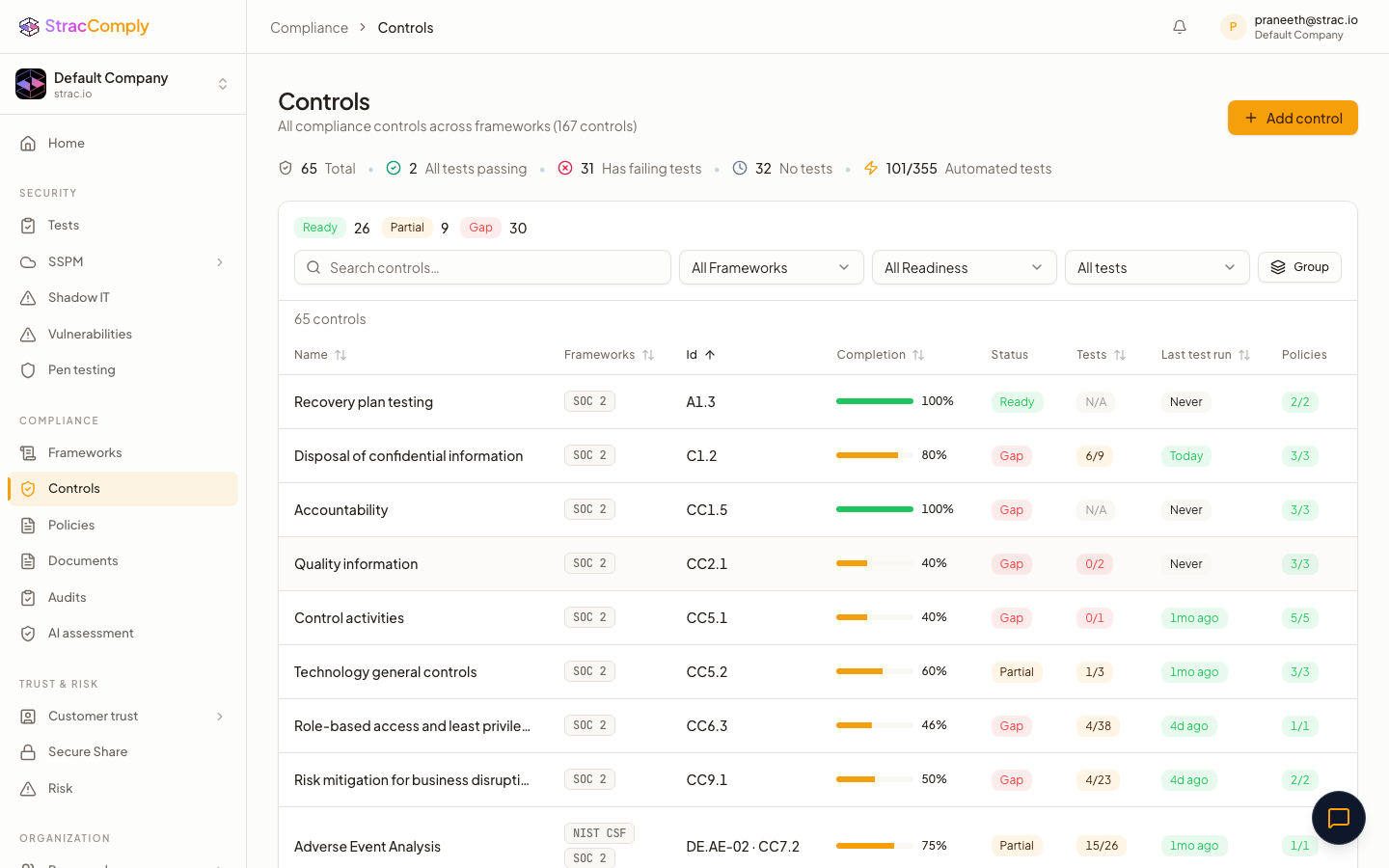
Strac Comply tests your live AWS account against 80+ controls — the complete CIS AWS Foundations Benchmark plus the data-protection checks SOC 2 adds — each tied to a specific Trust Services Criterion. Below is the full map, grouped by domain. The Required tier marks the CIS-core controls a SOC 2 auditor samples directly — these are the must-do settings. Recommended controls strengthen availability and monitoring evidence. Each row is checked continuously, so the pass/fail result is your audit evidence — not a screenshot.
Identity & Access Management (CC6.1–CC6.5)
AWS control (checked continuously)
SOC 2 criteria
Tier
MFA enforced on the root account
CC6.1, CC6.2, CC6.3
Required
MFA enforced on all IAM users
CC6.1, CC6.2
Required
Strong IAM password policy configured
CC6.1, CC6.2
Required
No IAM policies attached directly to users (group/role least-privilege)
CC6.3
Required
Root account not used for day-to-day operations
CC6.3, CC6.1
Required
IAM access keys rotated (none older than 90 days)
CC6.1, CC6.5
Required
No root account access keys exist
CC6.1, CC6.3
Required
Unused IAM credentials disabled after 45 days
CC6.1, CC6.3
Required
No IAM policy grants full *:* administrator privileges
CC6.3
Required
IAM Access Analyzer enabled
CC6.1, CC6.3
Required
Accounts deprovisioned when personnel leave
CC6.4, CC6.5
Required
Hardware MFA used for the root account
CC6.1
Recommended
Only one active access key per IAM user
CC6.1, CC6.5
Recommended
AWS Support role configured for incident management
CC6.1, CC7.4
Recommended
Secrets Manager secrets have rotation enabled
CC6.1, CC6.5
Recommended
Network Security (CC6.6, CC6.1, CC6.8)
AWS control (checked continuously)
SOC 2 criteria
Tier
Security groups restrict unnecessary ingress
CC6.6, CC6.1
Required
Public SSH (0.0.0.0/0 on port 22) denied
CC6.3, CC6.1
Required
Public RDP (0.0.0.0/0 on port 3389) denied
CC6.3, CC6.6
Required
Default VPC security group restricts all traffic
CC6.6, CC6.1
Required
Firewall defaults to deny-all
CC6.6, CC6.1
Required
Unwanted inbound traffic filtered
CC6.3, CC6.6
Required
IMDSv1 disabled on EC2 (IMDSv2 enforced)
CC6.8, CC6.1
Required
Load balancers redirect HTTP to HTTPS
CC6.7
Required
CloudFront distributions enforce HTTPS
CC6.7
Recommended
Route tables reviewed for least access
CC6.6
Recommended
ECS services: public ports restricted, SSH denied, traffic filtered
CC6.1, CC6.6
Recommended
Data Protection & Encryption (CC6.7, C1.1, C1.2)
AWS control (checked continuously)
SOC 2 criteria
Tier
S3 Block Public Access enabled account-wide
CC6.1, CC6.6, C1.1, C1.2
Required
No S3 bucket allows public access
C1.1, CC6.6
Required
S3 buckets encrypted at rest
CC6.7, C1.1, C1.2
Required
S3 bucket policies deny non-TLS (HTTP) requests
CC6.7
Required
RDS instances encrypted at rest
CC6.7, C1.1, C1.2
Required
RDS instances not publicly accessible
CC6.6, CC6.1
Required
EBS volumes encrypted (and encryption-by-default on)
CC6.7, C1.2
Required
KMS key rotation enabled
CC6.7
Required
EFS file systems encrypted at rest
CC6.7, C1.2
Recommended
EBS snapshots encrypted
CC6.7, C1.2
Recommended
DynamoDB tables encrypted
CC6.7, C1.2
Recommended
SNS topics encrypted
CC6.7
Recommended
SSL/TLS certificates not expiring soon
CC6.7, CC7.2
Recommended
Logging-bucket access restricted to authorized users
CC6.6, CC6.7
Recommended
Logging & Change Monitoring (CC7.1, CC7.2, CC8.1, CC4.1)
AWS control (checked continuously)
SOC 2 criteria
Tier
CloudTrail enabled across all regions
CC6.6, CC7.1, CC7.2
Required
CloudTrail log-file validation enabled
CC6.6, CC7.2
Required
CloudTrail logs encrypted at rest with KMS
CC6.7, CC7.2
Required
CloudTrail S3 bucket not publicly accessible
CC6.6, C1.1
Required
CloudTrail integrated with CloudWatch Logs
CC7.2
Required
VPC Flow Logs enabled
CC7.2
Required
Server logs retained for 365 days
CC7.2
Required
AWS Config enabled (resource drift detection)
CC8.1
Required
RDS auto minor version upgrades enabled
CC7.1, CC8.1
Recommended
S3 object-level CloudTrail logging enabled
CC7.2
Recommended
S3 server access logging enabled
CC6.6, CC4.1
Recommended
System clocks synchronized (NTP)
CC7.2
Recommended
Security Event Monitoring & Alarms (CC7.2, CC7.3)
The CIS AWS Foundations Benchmark requires a CloudWatch metric filter and an alarm for each of these high-risk events. They are the controls most teams forget — and the ones auditors increasingly ask for as detection evidence (CC7.2/CC7.3).
AWS control (checked continuously)
SOC 2 criteria
Tier
Unauthorized API calls alarmed
CC7.2, CC7.3
Required
Console sign-in without MFA alarmed
CC7.2, CC6.1
Required
Root account usage alarmed
CC7.2, CC7.3
Required
IAM policy changes alarmed
CC7.2, CC8.1
Required
CloudTrail configuration changes alarmed
CC7.2, CC8.1
Required
Disabling or deletion of customer-managed KMS keys alarmed
CC7.2, CC6.7
Required
S3 bucket policy changes alarmed
CC7.2, CC8.1
Required
Security group changes alarmed
CC7.2, CC8.1
Required
Management console authentication failures alarmed
CC7.2, CC7.3
Recommended
AWS Config configuration changes alarmed
CC7.2, CC8.1
Recommended
Network ACL (NACL) changes alarmed
CC7.2, CC8.1
Recommended
Network gateway changes alarmed
CC7.2, CC8.1
Recommended
Route table changes alarmed
CC7.2, CC8.1
Recommended
VPC changes alarmed
CC7.2, CC8.1
Recommended
AWS Organizations changes alarmed
CC7.2, CC8.1
Recommended
Threat Detection & Vulnerability Management (CC6.8, CC7.3, CC7.5)
AWS control (checked continuously)
SOC 2 criteria
Tier
GuardDuty threat detection enabled
CC6.8, CC7.2, CC7.3
Required
Critical package vulnerabilities remediated
CC6.8, CC7.5
Required
High package vulnerabilities remediated
CC6.8, CC7.5
Required
ECR image scan-on-push enabled
CC6.8
Required
Medium & low vulnerabilities tracked to closure
CC7.5
Recommended
Availability, Backup & Resilience (CC9.1, A1.1, A1.2)
AWS control (checked continuously)
SOC 2 criteria
Tier
RDS automated backups enabled
CC9.1, A1.2
Required
DynamoDB point-in-time recovery enabled
CC9.1, A1.2
Required
Load balancer used for high availability
CC9.1, A1.1
Recommended
Lambda functions have dead-letter queues
A1.1
Recommended
Serverless function error rate monitored
CC7.3
Recommended
Load balancer health, latency & server errors monitored
A1.1, CC7.2
Recommended
SQS message age monitored
A1.1, CC7.2
Recommended
NoSQL read/write capacity monitored
A1.1, CC7.2
Recommended
Risk & Asset Inventory (CC3.1)
AWS control (checked continuously)
SOC 2 criteria
Tier
Every inventory item has an active, accountable owner
CC3.1, CC3.2
Recommended
If a control isn’t in this list, it’s typically a process control (change-management approvals, incident response, vendor reviews) that Strac Comply tracks through policies and tasks rather than a live AWS API check. Together they cover the full Common Criteria for your AWS environment — see the SOC 2 controls guide for the complete list.
Common AWS SOC 2 Mistakes
- Assuming AWS’s SOC 2 covers you. It covers AWS’s side only; your account config is 100% on you.
- Public S3 buckets. The single most common audit finding — and the most common breach. Account-level Block Public Access closes it.
- Point-in-time evidence. Type II samples the whole window; a screenshot from audit week doesn’t prove CloudTrail ran for 6 months.
- Forgetting data classification. CC6.7 wants proof you know where sensitive data lives in S3/RDS and that it’s protected — a DSPM job, not a config check.
Prove your AWS SOC 2 controls automatically
Strac Comply runs the AWS tests above every day and turns each result into live SOC 2 evidence — plus DSPM that finds sensitive data across S3 and RDS. Stop screenshotting the console.
Start at comply.strac.io →
🌶️ Spicy FAQs for AWS SOC 2 compliance
Is AWS SOC 2 compliant?
Yes — AWS maintains its own SOC 1, SOC 2, and SOC 3 reports for its infrastructure and managed services, available through AWS Artifact. But that does not make your AWS account SOC 2 compliant. Under the shared responsibility model, your IAM, S3, encryption, and logging configuration is yours to secure and prove.
Can I use AWS’s SOC 2 report for my audit?
Partially. You include AWS’s report as a sub-service organization (carve-out/inclusive) report to cover the infrastructure layer your auditor doesn’t directly test. You still must demonstrate your own controls for everything you configure in the account.
What AWS services help with SOC 2?
AWS Audit Manager (prebuilt SOC 2 framework), AWS Config (drift detection), CloudTrail (activity logging), GuardDuty (threat detection), and KMS (encryption). These cover detection; they don’t protect your data or auto-generate the continuous evidence — a platform like Strac Comply does that.
How long does AWS SOC 2 take?
Configuration is days to a few weeks; the SOC 2 Type II observation window is then 3–12 months of continuous evidence. See the SOC 2 Type II checklist for the full timeline.
What’s the most common AWS SOC 2 finding?
Publicly accessible S3 buckets and over-permissioned IAM. Enable account-level S3 Block Public Access and enforce least-privilege IAM with MFA to close the two most-cited findings.
How many AWS controls does Strac Comply check for SOC 2?
80+ controls — the complete CIS AWS Foundations Benchmark plus the data-protection checks SOC 2 adds — across identity & access, encryption, network security, logging, security-event alarms, threat detection, and availability. Each is mapped to a specific Trust Services Criterion (see the full table above). The CIS-core controls are marked Required because auditors sample them directly; the rest strengthen your monitoring and availability evidence.


.webp)






.avif)




.gif)
