Search “GitHub SOC 2 compliance” and you hit an immediate confusion: GitHub already has its own SOC 2 report. So are you done? No — and this is the single most expensive misunderstanding in a SOC 2 audit. GitHub’s SOC 2 covers GitHub’s own platform operations and infrastructure. It says nothing about how your organization has configured GitHub. Under the shared responsibility model, how your organization configures repositories, branch protection, access, and code-scanning is entirely on you, and that is exactly what your auditor samples.
So “GitHub SOC 2 compliance” really means two things: (1) configuring GitHub so its security controls satisfy the relevant Trust Services Criteria, and (2) continuously proving they stayed configured across your audit window. This guide covers both — the exact settings, and how to generate the evidence automatically instead of screenshotting it the week before fieldwork. For the platform landscape, see our SOC 2 compliance software guide; for the control list, the SOC 2 controls breakdown.
Get compliant with Strac Comply, from $4,995 all-in
SOC 2, ISO 27001, PCI DSS, HIPAA, and GDPR in one platform. Transparent pricing, a 14-day free trial, and no mandatory sales call, unlike Vanta and Drata.
Start your 14-day free trial →
Why GitHub Is a SOC 2 Focal Point
For most SaaS companies, GitHub is where the change-management control lives — SOC 2 CC8.1 (“the entity authorizes, designs, develops, tests, approves, and implements changes”). An auditor will pull a sample of merged pull requests and check that each went through required review and protected branches. GitHub also carries real access (CC6.x) weight: who can push, who’s an admin, and whether MFA is enforced org-wide.
✨ Which SOC 2 Controls Your GitHub Config Touches
GitHub area
What to configure
SOC 2 criterion
Branch protection
Protect default branches; require PR + passing checks
CC8.1
Code review
Require approvals before merge; dismiss stale reviews
CC8.1
MFA
Require 2FA for all org members
CC6.1
Dependabot
Security + version alerts enabled and triaged
CC7.1
Secret scanning
Enabled with push protection
CC6.7
Access reviews
Periodic member/collaborator + admin review
CC6.2, CC6.3
✨ The GitHub SOC 2 Configuration Checklist
1. Protect the change pipeline (CC8.1)
- Enable branch protection on default and release branches.
- Require at least one approving review and passing status checks before merge.
- Dismiss stale approvals on new commits; require linear history if it fits your flow.
- Restrict who can push to protected branches.
2. Control access (CC6.1, CC6.2, CC6.3)
- Require 2FA for every organization member (enforce at the org level).
- Use teams for least-privilege repo access; minimize org owners/admins.
- Review collaborators and outside contributors on a schedule; tie removal to offboarding.
3. Catch vulnerable code and secrets (CC7.1, CC6.7)
- Enable Dependabot security and version-update alerts; triage critical/high on an SLA.
- Turn on secret scanning with push protection to block committed credentials.
- Enable code scanning (CodeQL) for SAST coverage where applicable.
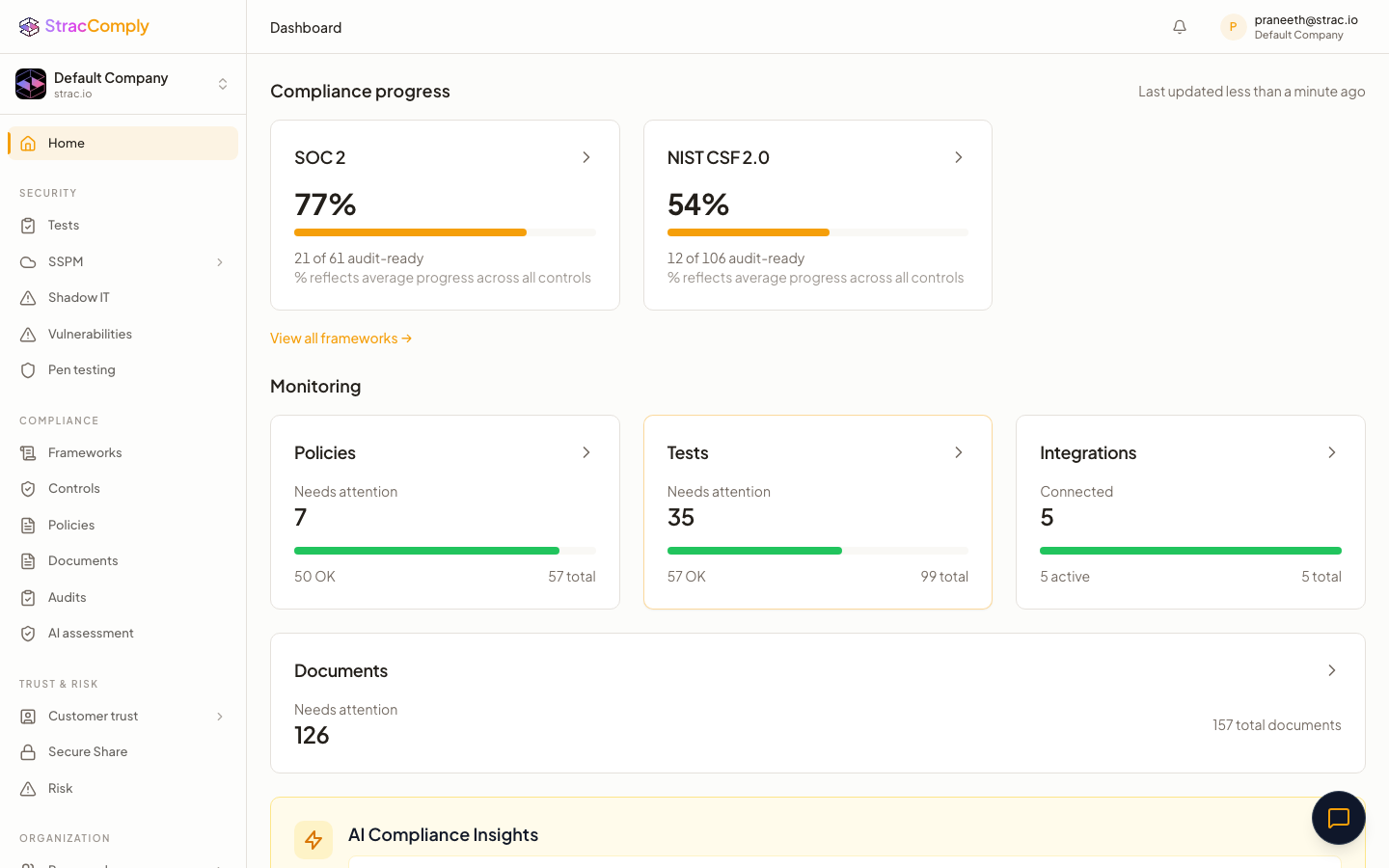
✨ How Strac Comply Automates GitHub SOC 2 Evidence
Below is exactly what Strac Comply checks in your GitHub organization. The difference from a checklist tool: Strac Comply doesn’t ask you to attest that a control exists — it runs the test against your live GitHub environment every day, and the pass/fail result is the audit evidence. The connection that proves the control is the connection that catches it drifting.

And because Strac Comply runs on Strac’s data security platform, the data-protection control (CC6.7) isn’t just attested — sensitive data in GitHub is discovered, classified, and protected, and that enforcement is the evidence. The same edge makes Generative AI DLP and MCP security evidence continuous. See the full platform in the SOC 2 compliance software guide.
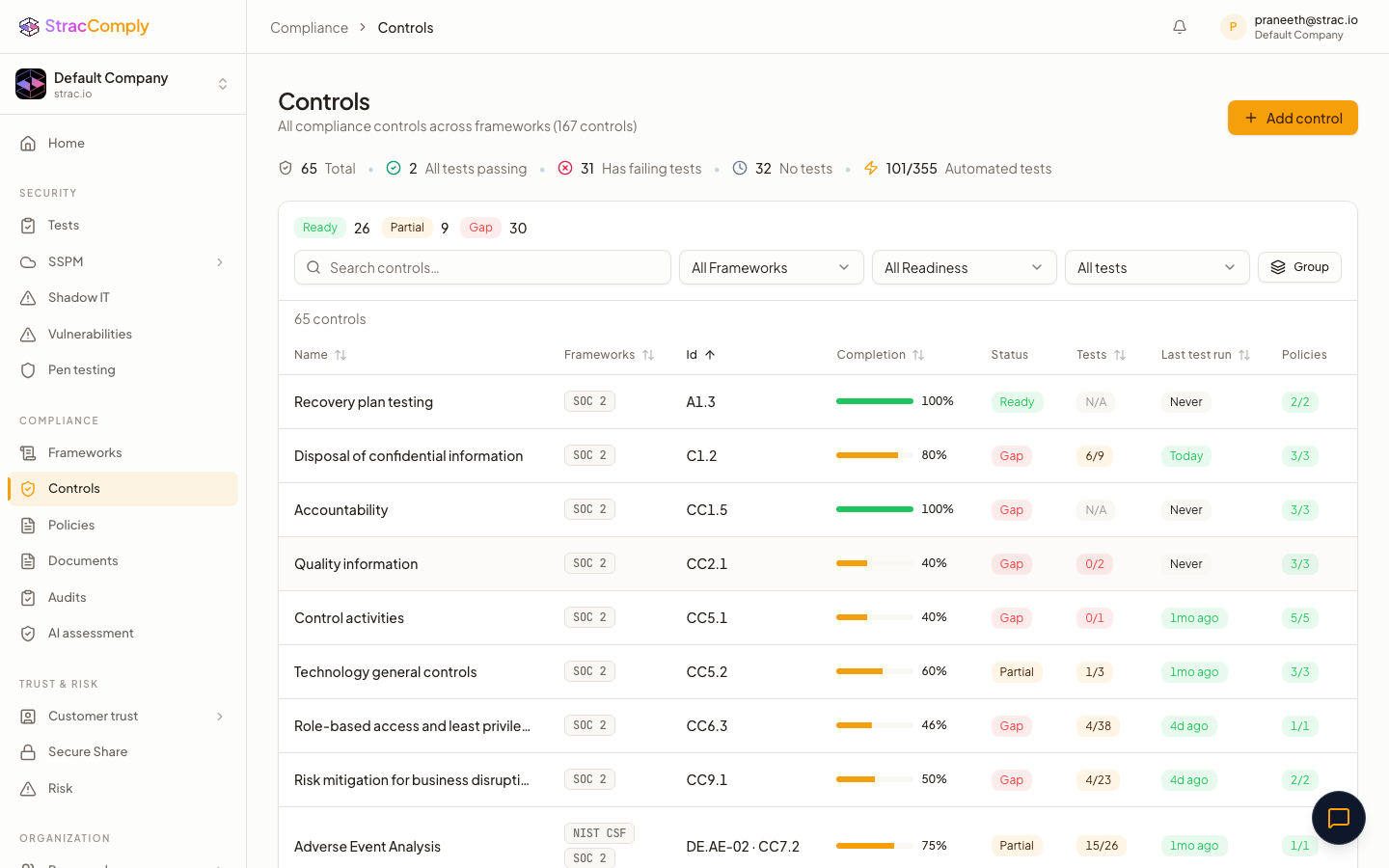
✨ Every GitHub Control Strac Comply Tests, Mapped to SOC 2
Strac Comply tests your GitHub organization against 30+ controls — the CIS GitHub Foundations Benchmark plus the change-management and code-security checks SOC 2 leans on — each tied to a specific Trust Services Criterion. Required marks the CIS-core controls a SOC 2 auditor samples directly (branch protection, required reviews, org-wide MFA); Recommended controls strengthen your change-pipeline and supply-chain evidence. Each row is checked continuously, so the pass/fail result is your audit evidence — not a screenshot.
Authentication & Access (CC6.1–CC6.3, CC6.5)
GitHub control (checked continuously)
SOC 2 criteria
Tier
MFA (2FA) enforced for all organization members
CC6.1, CC6.2
Required
Organization security baseline configured (default permissions, 2FA required)
CC6.1, CC6.2
Required
Repository admin access reviewed against least privilege
CC6.3
Required
Outside collaborators reviewed and minimized
CC6.3, CC9.2
Required
Base member permission set to read/none (least privilege)
CC6.3
Required
SSO/SAML enforced for organization access
CC6.1
Recommended
Personal access tokens restricted (fine-grained, expiring)
CC6.1, CC6.5
Recommended
Inactive members removed on offboarding
CC6.2, CC6.5
Required
SCIM provisioning for joiner/leaver lifecycle
CC6.2, CC6.5
Recommended
Change Management — Branch Protection (CC8.1)
GitHub control (checked continuously)
SOC 2 criteria
Tier
Branch protection enabled on default and release branches
CC8.1
Required
At least one approving review required before merge
CC8.1
Required
Required status checks must pass before merge
CC8.1, CC7.1
Required
Stale approvals dismissed on new commits
CC8.1
Required
Force-push and branch deletion blocked on protected branches
CC8.1
Required
Push access to protected branches restricted
CC8.1, CC6.3
Required
Code-owner review required (CODEOWNERS)
CC8.1
Recommended
Review required from someone other than the author (no self-approval)
CC8.1
Recommended
Signed/verified commits required
CC8.1, CC7.1
Recommended
Linear history enforced
CC8.1
Recommended
Code & Supply-Chain Security (CC6.1, CC6.7, CC7.1)
GitHub control (checked continuously)
SOC 2 criteria
Tier
Secret scanning enabled with push protection
CC6.1, CC6.7
Required
Dependabot security alerts enabled and triaged on an SLA
CC7.1
Required
Deploy keys audited for least privilege (read-only where possible)
CC6.1, CC6.5
Required
Code scanning / CodeQL (SAST) enabled
CC7.1
Recommended
Dependabot version updates enabled
CC7.1, CC8.1
Recommended
Dependency review enforced on pull requests
CC7.1
Recommended
GitHub Advanced Security enabled where licensed
CC7.1
Recommended
CI/CD & Workflow Hardening (CC6.8, CC8.1)
GitHub control (checked continuously)
SOC 2 criteria
Tier
GitHub Actions restricted to allowed/verified actions
CC6.8, CC8.1
Required
Default workflow token permissions set to read-only
CC6.3, CC6.8
Required
Actions secrets scoped to environments with required reviewers
CC6.1, CC6.7
Recommended
Self-hosted runners hardened / ephemeral
CC6.8
Recommended
Logging & Repository Governance (CC7.2, CC7.3)
GitHub control (checked continuously)
SOC 2 criteria
Tier
Organization audit log streamed to a SIEM for retention
CC7.2
Required
Security alerts (Dependabot/secret/code-scanning) monitored and triaged
CC7.2, CC7.3
Required
Repository deletion and transfer restricted to admins
CC6.3, CC8.1
Recommended
Forking of private/internal repos controlled
CC6.7
Recommended
If a control isn’t in this list, it’s typically a process control (secure-development policy, incident response, vendor reviews) that Strac Comply tracks through policies and tasks rather than a live GitHub API check. Together they cover the change-management and access Common Criteria for your codebase — see the SOC 2 controls guide for the complete list.
Common GitHub SOC 2 Mistakes
- Branch protection on some repos, not all. Auditors sample across repos; one unprotected production repo is a finding.
- MFA “available” but not enforced. CC6.1 wants it required org-wide, not optional.
- Dependabot alerts ignored. Enabling alerts without triaging them is worse than not having them — it shows a known, untracked risk.
- Personal-account ownership. Connecting compliance tooling via a personal account instead of an org owner hides org-wide settings (a real Strac integration gotcha).
Prove your GitHub SOC 2 controls automatically
Strac Comply continuously verifies branch protection, required reviews, MFA, Dependabot triage, and secret scanning across every repo — turning each into live SOC 2 evidence.
Start at comply.strac.io →
🌶️ Spicy FAQs for GitHub SOC 2 compliance
Is GitHub SOC 2 compliant?
Yes — GitHub maintains its own SOC 2 report for its platform. But your audit tests how your organization is configured: branch protection, required reviews, org-wide MFA, Dependabot, and secret scanning. GitHub’s report doesn’t cover your settings.
Which SOC 2 control does GitHub satisfy?
Primarily change management (CC8.1) via branch protection and required code review, plus access controls (CC6.1–CC6.3) and vulnerability management (CC7.1) via Dependabot and secret scanning.
Do I need branch protection for SOC 2?
Effectively yes. Required reviews on protected branches are the most direct evidence that code changes are authorized and tested before release — the heart of CC8.1. Auditors sample merged PRs to verify it.
How do I prove GitHub controls held all year?
That continuous proof is the Type II challenge. Either export evidence manually each period or use a platform like Strac Comply that tests the org daily so the observation window builds itself. See the Type II checklist.
Does GitHub SOC 2 cover secret leaks?
Secret scanning with push protection addresses CC6.7 for credentials in code, but it doesn’t cover sensitive data in issues, PR comments, or wikis — that needs DLP.


.webp)









.webp)




.avif)


.gif)
