✨ The SOC 2 Type II Checklist, at a Glance
A SOC 2 Type II report is the gold standard B2B buyers ask for — it certifies that your security controls didn’t just exist on paper but operated effectively over a sustained period. That “over a period” is the whole difference from Type I, and it is what makes the checklist below front-loaded with setup and then dominated by months of continuous evidence collection.
Here is the full checklist in four phases. Work them in order; each phase below expands into concrete items mapped to the SOC 2 Common Criteria.
Phase
What you do
Typical time
1. Scope & readiness
Pick Trust Services Criteria, define the system boundary, run a gap assessment
1–2 weeks
2. Policies & controls
Write required policies, implement and assign controls, remediate gaps
2–4 weeks
3. Evidence & monitoring
Continuously collect evidence across the observation window
3–12 months
4. The audit
Select auditor, fieldwork, respond to requests, receive the report
4–8 weeks
What Makes SOC 2 Type II Different (Read This First)
Type I asks: are your controls designed correctly today? Type II asks: did they actually work, every day, for the last 3–12 months? That means the auditor samples evidence from across the whole window — access reviews that actually happened quarterly, logs retained continuously, tickets closed within SLA, onboarding/offboarding executed every time. You cannot fake a history. If you’re still deciding between Type I and Type II, or between SOC 2 and a public SOC 3, settle that before you start — most enterprise contracts require Type II.
Phase 1 — Scope & Readiness
- Choose your Trust Services Criteria. Security (the Common Criteria) is mandatory. Add Availability, Confidentiality, Processing Integrity, and/or Privacy only if you can support them — each adds controls and evidence.
- Define the system boundary. Document the products, infrastructure, data, people, and vendors in scope. An over-broad boundary creates needless evidence; an under-broad one fails the audit.
- Run a gap assessment. Compare current state to each Common Criteria (CC1–CC9). This produces your remediation backlog.
- Set the observation window. Decide start date and length (3 months is the common minimum for a first Type II; 6–12 is typical at renewal).
- Assign an owner. Name a single accountable person (or platform) for evidence — the #1 predictor of a smooth audit.
✨ Phase 2 — Policies & Controls
SOC 2 expects a documented policy set and the technical controls to back each one. The required policies typically include:
- Information security, access control, and acceptable use policies (CC1, CC6).
- Change management and SDLC policies (CC8).
- Incident response and business continuity / disaster recovery plans (CC7, Availability).
- Vendor / third-party risk management policy (CC9).
- Risk assessment, data classification, and encryption policies (CC3, CC6.7).
Then implement the controls each policy promises: MFA everywhere, least-privilege access, encryption in transit and at rest, centralized logging, endpoint protection, background checks, security training, and quarterly access reviews. Map every control to the criteria it satisfies so the auditor can trace it.

✨ Phase 3 — Evidence & Continuous Monitoring (the hard part)
This is where Type II is won or lost. Across the entire observation window you must continuously capture proof that controls operated:
- Access reviews performed and signed off on schedule (not reconstructed the week before fieldwork).
- Onboarding / offboarding evidence for every employee who joined or left during the window.
- Change management tickets showing review and approval for production changes.
- Vulnerability scans and remediation on cadence, plus an annual penetration test.
- Log retention and monitoring running without gaps.
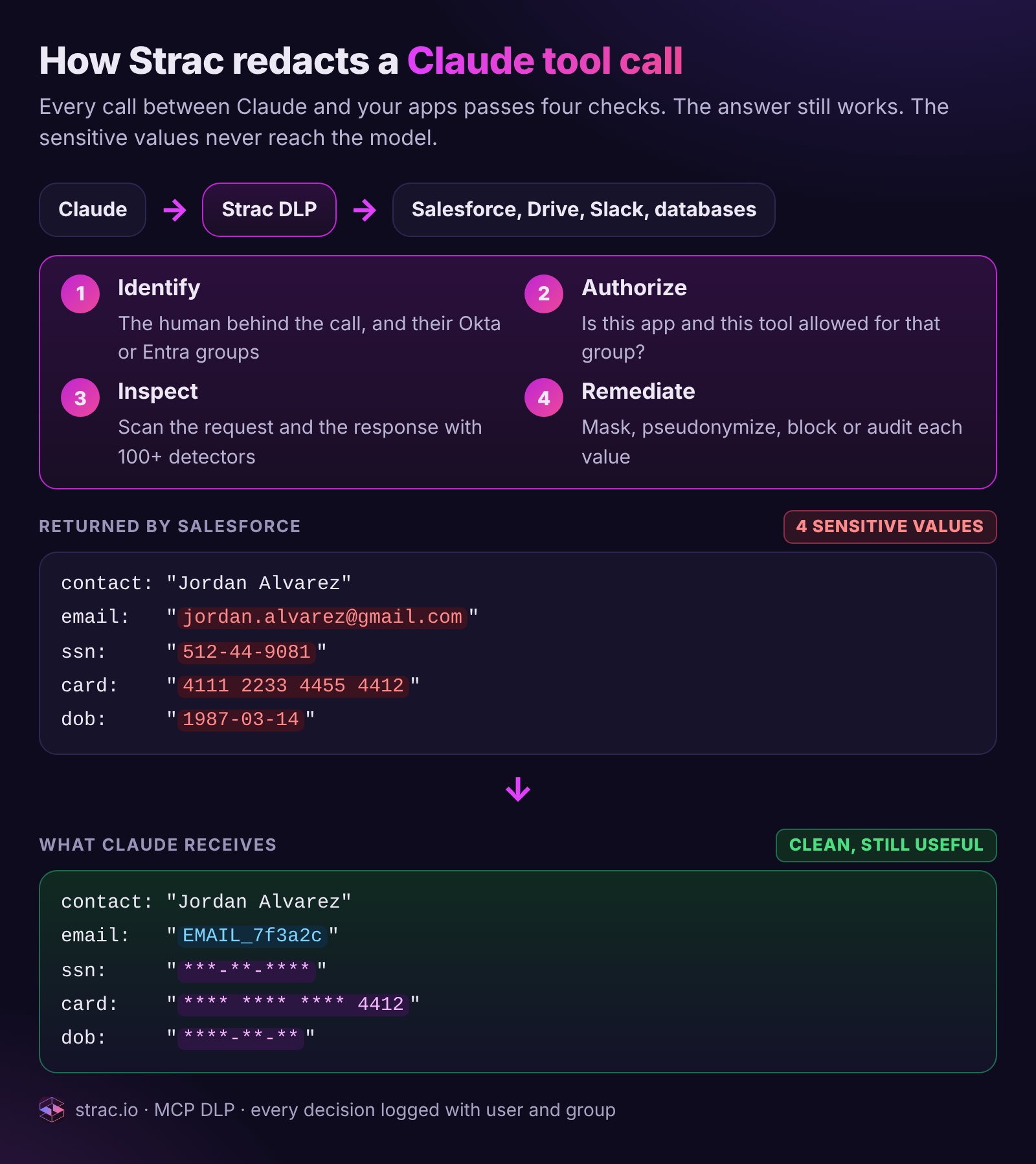
- Data protection evidence (CC6.7) — proof that sensitive data is classified and protected across SaaS, cloud, endpoints, and AI tools. This is the control most teams cannot show continuously, because they have no DLP or DSPM generating it.

Phase 4 — The Audit
- Select a licensed CPA firm to perform the SOC 2 examination. Get quotes and confirm timeline fit.
- Complete the observation window before fieldwork begins.
- Fieldwork: the auditor samples evidence across the window and may interview control owners.
- Respond to requests promptly — slow evidence turnaround is the main cause of audit drag.
- Receive the report, review exceptions, and plan remediation for any noted before the next cycle. Then optionally issue a public SOC 3 from the same examination.
Common SOC 2 Type II Mistakes
- Treating evidence as a sprint, not a habit. Type II samples the whole window; you can’t back-fill a history of quarterly reviews.
- Confusing “control exists” with “control works.” A documented access-review policy with no signed reviews fails.
- Skipping data protection (CC6.7). Auditors increasingly want proof sensitive data is controlled across SaaS and AI — not just a policy PDF.
- No single owner. Distributed, ad-hoc evidence collection is how windows get missed.
✨ How Strac Comply Automates the Checklist
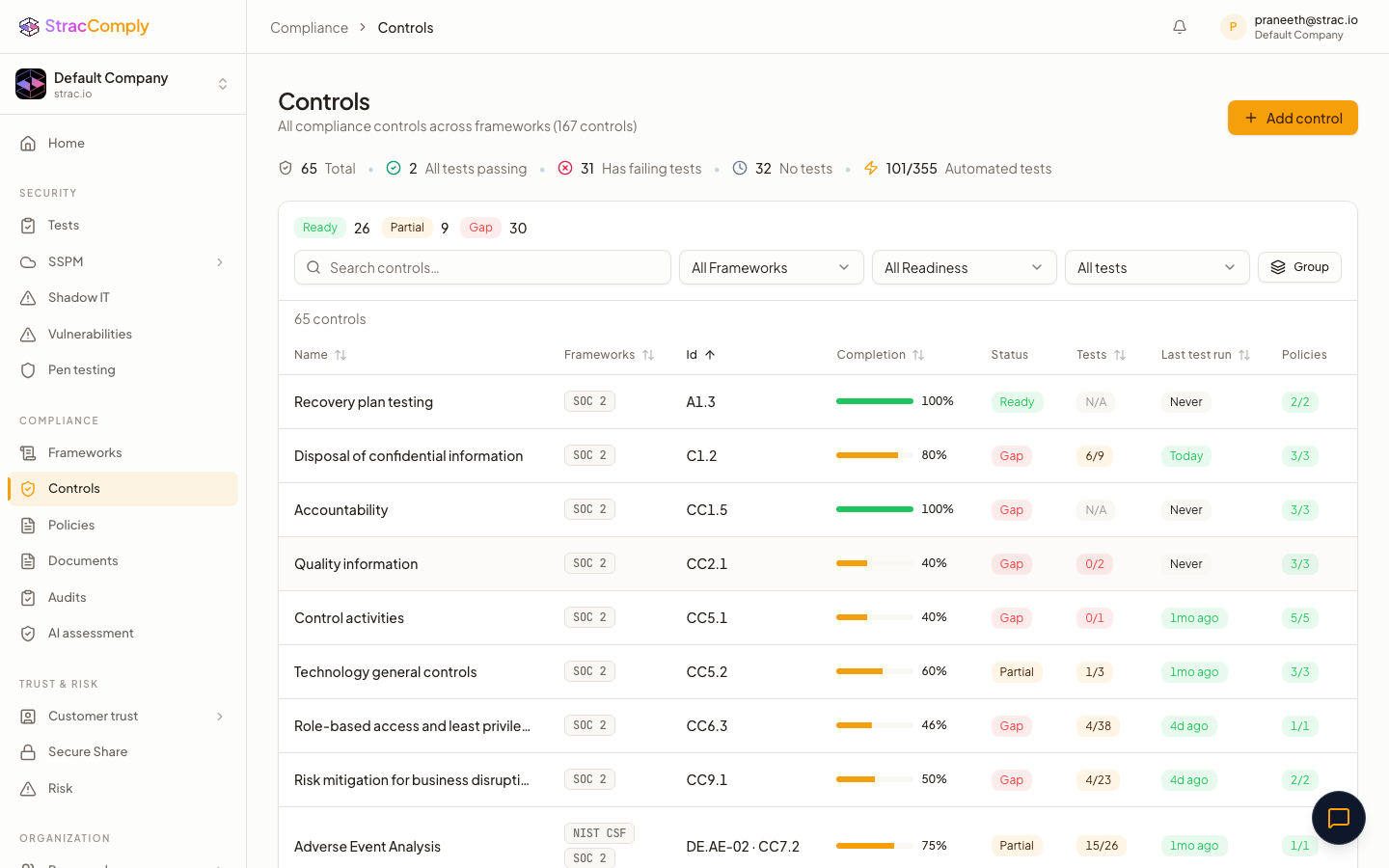
Phases 2 and 3 are exactly what Strac Comply automates. It ships the required policy templates, maps every control to its Common Criteria, and runs continuous automated tests so the observation window builds itself instead of being reconstructed under deadline pressure. Crucially, because Strac Comply is built on Strac’s data security platform, it generates the CC6.7 data-protection evidence other tools can’t — discovering, classifying, and protecting sensitive data across SaaS, cloud, endpoints, and AI agents in real time. See the full platform comparison in our SOC 2 compliance software guide.
Want the observation window to build itself?
Strac Comply automates SOC 2 Type II evidence end to end — policies, controls, continuous tests, and the CC6.7 data-protection proof no checklist tool generates. The same platform that protects your data proves your compliance.
Start at comply.strac.io →
Need the per-integration config detail? See the integration-specific SOC 2 guides: AWS SOC 2, GitHub SOC 2, Google Workspace SOC 2, Microsoft 365 SOC 2.
🌶️ Spicy FAQs for SOC 2 Type II checklist
How long is a SOC 2 Type II observation period?
Typically 3 to 12 months. A first Type II often uses a 3-month minimum window; renewals usually run 6–12 months for continuous coverage. The auditor samples evidence from across the entire window, so the length you pick is the length you must continuously produce evidence for.
What’s on a Type II checklist that isn’t on Type I?
The continuous-evidence requirement. Type I checks control design at a point in time, so you can pass with controls configured today. Type II checks control operating effectiveness over months, so your checklist adds recurring evidence: scheduled access reviews, change tickets, onboarding/offboarding records, and uninterrupted logging and data-protection monitoring.
How much does a SOC 2 Type II cost?
Budget two buckets: the auditor (a licensed CPA firm, often $10K–$40K depending on scope) and the compliance platform that automates evidence. Doing it in spreadsheets is technically possible but rarely survives a Type II window — the labor cost usually exceeds the software.
Can I complete a SOC 2 Type II without software?
You can, but almost no team gets through a multi-month Type II window cleanly on spreadsheets. The continuous-evidence requirement is what breaks manual programs. A platform like Strac Comply collects evidence automatically so the window builds itself.
How long does the whole SOC 2 Type II process take?
Roughly: 1–4 weeks of readiness and remediation, then a 3–12 month observation window, then 4–8 weeks of fieldwork and reporting. With automation the readiness and fieldwork phases compress significantly because evidence is already organized and mapped to controls.


.webp)






.avif)



.gif)
