Perplexity Data Privacy: What It Retains & Trains On (2026)
Perplexity data privacy explained — AI training is enabled by default on Free/Pro/Max, what gets retained, how Enterprise differs, and how to keep sensitive data out of Perplexity queries.
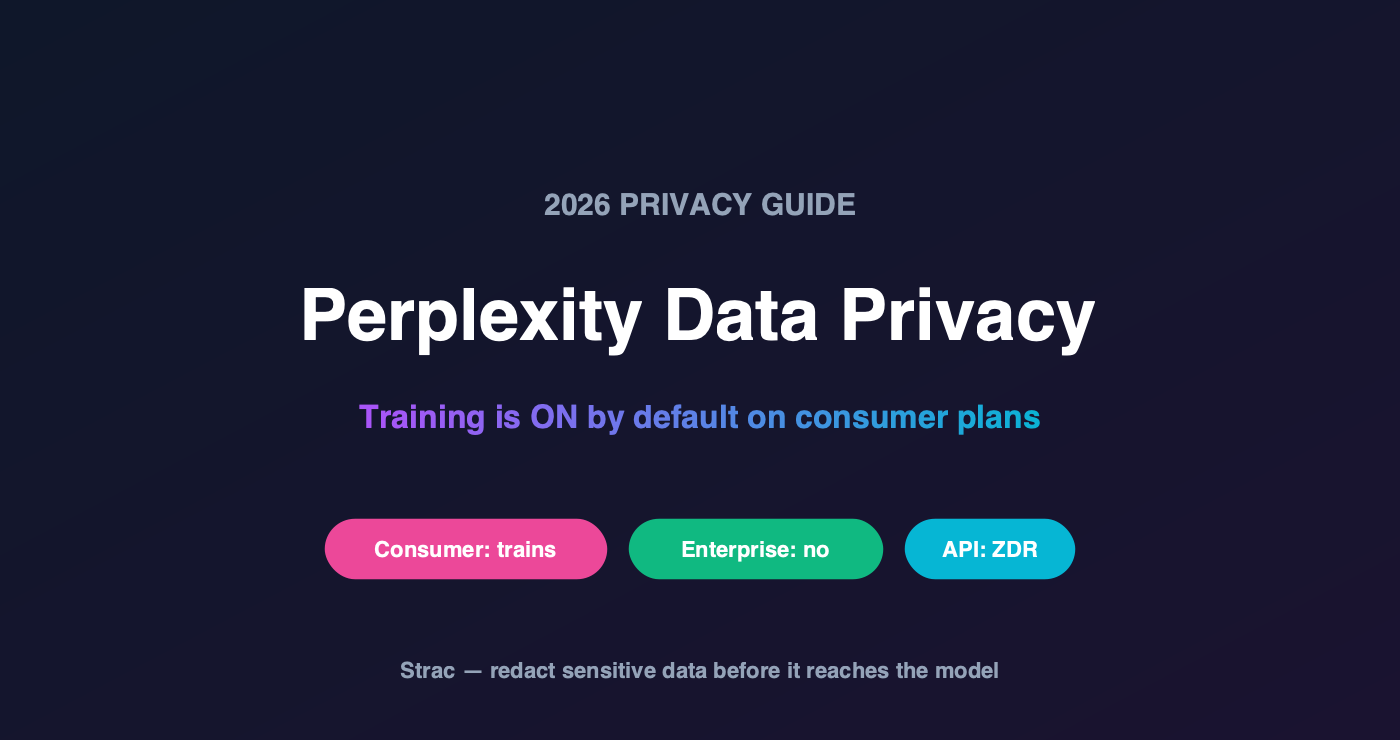
The headline most users miss: on Perplexity's Free, Pro, and Max plans, AI training is enabled by default — you have to actively toggle off "AI data retention" in account settings to opt out.
Enterprise Pro / Max is a different posture: data is not used to train models, uploaded files are retained for a shorter window (about 7 days vs ~30 for consumer), and larger orgs get custom retention controls.
The Sonar API is the strictest tier — zero data retention, with prompts and responses deleted right after processing.
Perplexity's twist versus a chatbot: it's a search-and-answer engine, so whatever context you paste into a query can be logged and routed to the third-party models it draws on.
The durable fix isn't a settings toggle your employees may never flip — it's stripping sensitive data out of the query before it's sent.
What Perplexity Collects
As an AI answer engine, Perplexity processes your queries (including everything you paste into them), uploaded files and images, your interaction history, and account/usage metadata. Because it synthesizes answers using third-party models, your query content can travel beyond Perplexity's own infrastructure.
That routing matters. A prompt containing a customer's contract terms isn't just sitting in Perplexity's logs — it may be processed by an upstream model provider too, per their arrangements.
Does Perplexity Train on Your Data? (Yes, Unless You Opt Out)
This is the crux of Perplexity data privacy, and it's the opposite default from what security teams assume:
Plan
Trains on your data?
File retention
Free / Pro / Max
Yes — enabled by default (opt out via the AI data retention toggle)
~30 days
Enterprise Pro / Max
No — never used for training
~7 days; custom retention for larger orgs
Sonar API
No — zero data retention
Deleted after processing
Read that top row again. Every employee using consumer Perplexity for work — the overwhelming majority, since it's free and requires no procurement — is contributing their queries to model improvement unless they personally found and flipped a setting. That's not a control you can rely on.
✨ The Real Risk: Research Queries Carry Confidential Context
The way people use Perplexity makes this worse than a generic chatbot. Users paste context to get better answers:
A salesperson pastes a prospect's contract terms to ask "how does this compare to standard MSA language?"
An analyst pastes internal financials to ask for a summary
A developer pastes a stack trace with a live API key in it
A recruiter pastes a candidate's resume — full PII — to ask for a screening summary
Each is a legitimate workflow. Each puts confidential data into a query that, on consumer tiers, is retained and used for training by default.
The control that doesn't depend on an employee finding a settings toggle: sensitive data removed from the query before it's sent.
✨ How to Use Perplexity Without Leaking Data
Three layers, in order of reliability:
Move to Enterprise — it removes the training-by-default problem and tightens retention. Necessary, but it still doesn't stop what people type.
Turn off AI data retention on any consumer accounts in use — a good hygiene step, but unenforceable across a fleet of personal accounts you don't manage.
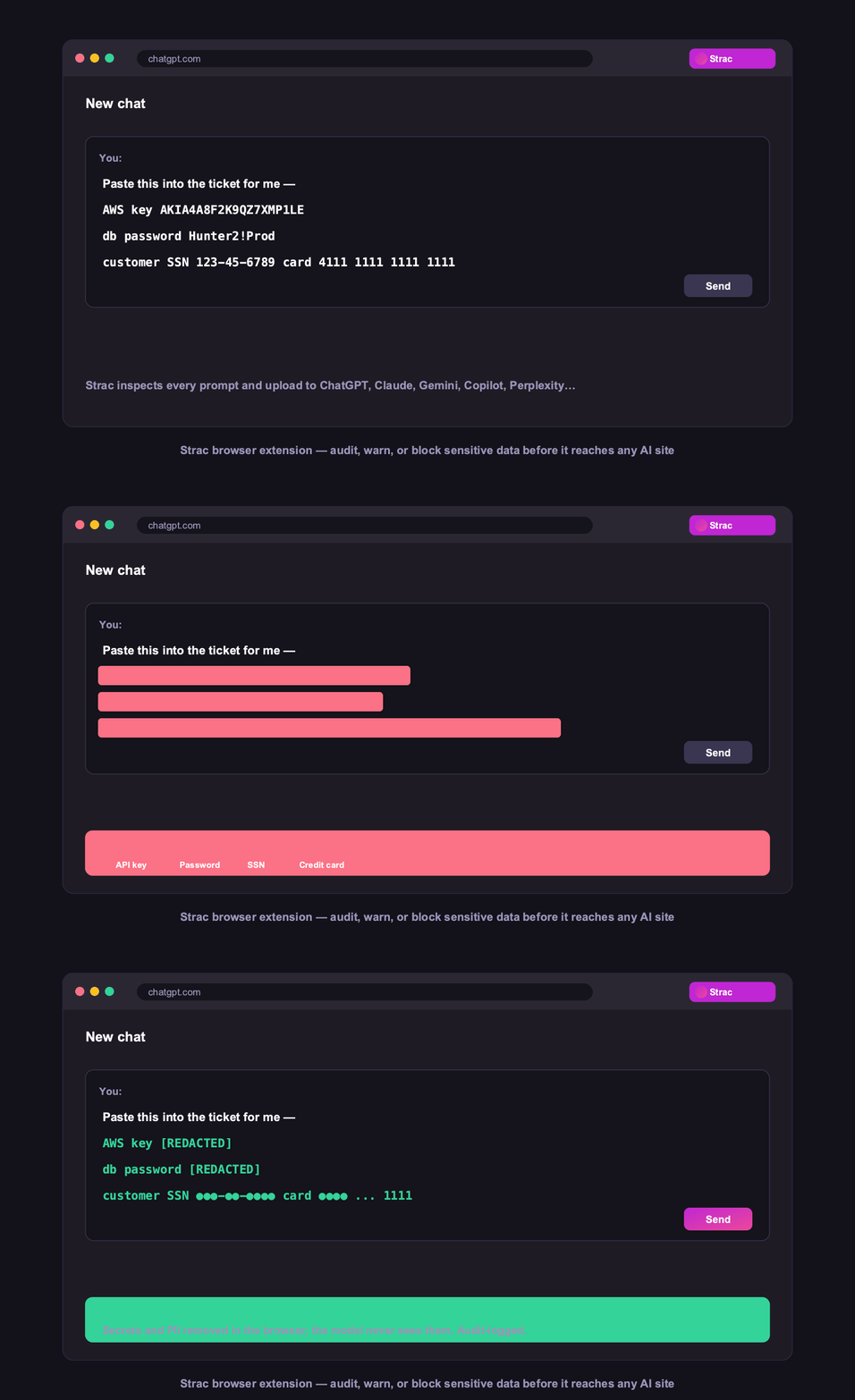
Enforce at the query itself — detect sensitive data (PII, PHI, PCI, secrets, source code) as it's typed and redact it, warn the user, or block the submission. This is the only layer that works regardless of plan, account, or whether anyone read the policy.
Strac does exactly that in the browser across Chrome, Edge, Firefox, and Safari — covering Perplexity alongside ChatGPT, Claude, Gemini, and Copilot — and logs every event as compliance evidence for SOC 2, HIPAA, GDPR, and PCI. See AI DLP.
Warn, or block outright, for the data classes you never allow to leave.
✨ How Strac Covers Every AI Surface
A settings toggle is not a control. These four are:
Browser DLP — strips confidential context out of the query before it is sent, on any plan or account.
Endpoint DLP — for the desktop app and local files.
MCP DLP — for connectors feeding enterprise data into AI answers.
Shadow AI discovery — Perplexity is overwhelmingly used on personal accounts at work.
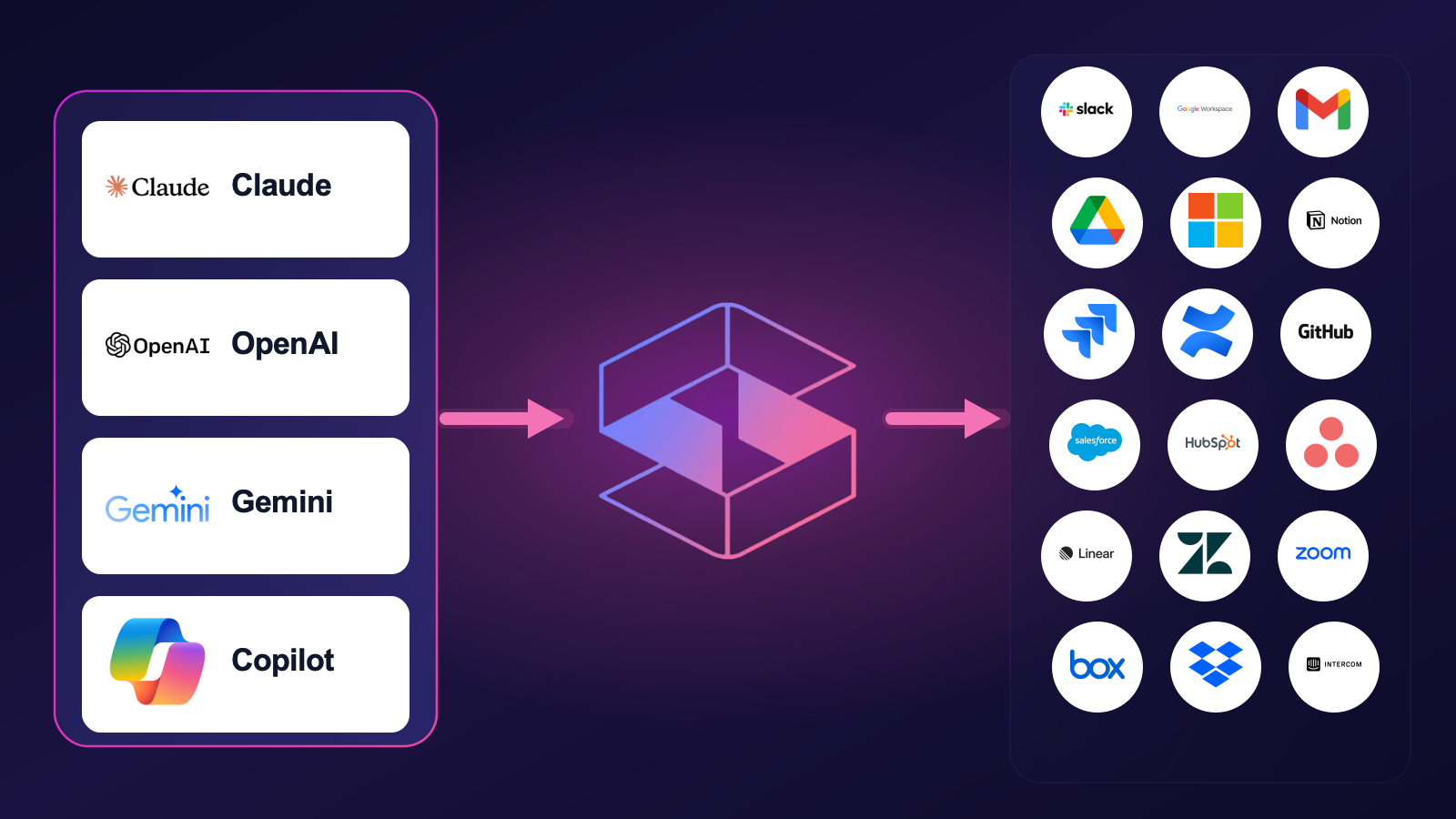
AI agents on one side, your SaaS and cloud on the other, Strac inspecting every call in between.
🌶️ Spicy FAQs for Perplexity Data Privacy
Does Perplexity train on my data?
On the Free, Pro, and Max plans, yes — AI training is enabled by default, and you must opt out by turning off the AI data retention setting in your account. On Enterprise Pro and Max, your data is never used to train models, and the Sonar API operates with zero data retention. Most employees are on consumer plans, so the default applies to them.
How long does Perplexity keep my data?
Uploaded files and images are typically deleted after around 30 days on consumer plans and about 7 days for enterprise users, with larger enterprise organizations able to configure custom retention periods. The Sonar API deletes prompts and responses immediately after processing.
Is Perplexity safe for confidential information?
Not on consumer tiers as configured out of the box — training is on by default and your query context can be routed to third-party models. Enterprise tightens this considerably. But in every tier, the confidential data you type still leaves your environment, which is why the reliable safeguard is redacting it before submission rather than relying on plan settings.
Is Perplexity Enterprise private enough for regulated data?
Enterprise Pro/Max removes the training concern and shortens retention, which is the right foundation. It does not, however, prevent an employee from pasting a patient record or a customer's card number into a query. For regulated data, pair it with a control that inspects and redacts queries at the point of entry.
How do I stop employees from pasting sensitive data into Perplexity?
Technically, not by policy. Detect sensitive data in the query as it's typed and redact, warn, or block based on your rules. This works even when employees are on personal consumer accounts you don't manage — which, for Perplexity, is the majority of real-world usage.
The Bottom Line
Perplexity data privacy has a default most organizations would never consciously choose: consumer plans train on your queries unless someone opts out. Enterprise fixes that, but neither tier stops the actual leak — the confidential context employees paste in to get a better answer. Put the control in the query path, and Perplexity stays the research tool people love without becoming a data-exfiltration channel.
Book a demo to see sensitive data redacted from Perplexity queries in real time.
On the Free, Pro, and Max plans, yes — AI training is enabled by default, and you must opt out by turning off the AI data retention setting in your account. On Enterprise Pro and Max, your data is never used to train models, and the Sonar API operates with zero data retention. Most employees are on consumer plans, so the default applies to them.
How long does Perplexity keep my data?
Uploaded files and images are typically deleted after around 30 days on consumer plans and about 7 days for enterprise users, with larger enterprise organizations able to configure custom retention periods. The Sonar API deletes prompts and responses immediately after processing.
Is Perplexity safe for confidential information?
Not on consumer tiers as configured out of the box — training is on by default and your query context can be routed to third-party models. Enterprise tightens this considerably. But in every tier, the confidential data you type still leaves your environment, which is why the reliable safeguard is redacting it before submission rather than relying on plan settings.
Is Perplexity Enterprise private enough for regulated data?
Enterprise Pro/Max removes the training concern and shortens retention, which is the right foundation. It does not, however, prevent an employee from pasting a patient record or a customer's card number into a query. For regulated data, pair it with a control that inspects and redacts queries at the point of entry.
How do I stop employees from pasting sensitive data into Perplexity?
Technically, not by policy. Detect sensitive data in the query as it's typed and redact, warn, or block based on your rules. This works even when employees are on personal consumer accounts you don't manage — which, for Perplexity, is the majority of real-world usage.
Discover & Protect Data on SaaS, AI, MCP, Endpoints & Cloud
Strac provides end-to-end data loss prevention for all SaaS and Cloud apps. Integrate in under 10 minutes and experience the benefits of live DLP scanning, live redaction, and a fortified SaaS environment.


.webp)






.avif)




.gif)
