Gemini Data Privacy: What Google Collects & Reviews (2026)
Gemini data privacy explained — how consumer Gemini differs from Gemini for Google Workspace, human review of conversations, retention, and how to keep sensitive data out of Gemini prompts.
Two Geminis, two very different privacy postures.Consumer Gemini (a personal Google account) may use conversations to improve Google's services, and human reviewers can read selected conversations. Gemini for Google Workspace is governed by your enterprise agreement — your data is not used to train models and stays inside your Workspace protections.
Google's own guidance for the consumer app is blunt: don't enter anything you wouldn't want a human reviewer to see. That sentence should end most debates about pasting customer data into it.
The practical exposure: employees use personal Gemini in a browser tab at work, entirely outside the Workspace boundary IT thinks protects them.
The reliable control is to redact sensitive data out of the prompt before it's submitted — regardless of which Gemini, which account, or which tab.
Consumer Gemini vs. Gemini for Google Workspace
Consumer Gemini
Gemini for Google Workspace
Used to improve/train Google's models
Yes (per consumer terms)
No — excluded by enterprise agreement
Human review of conversations
Possible on selected conversations
Governed by Workspace terms
Data boundary
Google consumer services
Your Workspace compliance boundary
Who's actually using it at your company?
Often, quietly
The tier you paid for
The gap between those two columns is the entire Gemini data privacy problem. Your company bought the right-hand column; a meaningful share of your employees are typing into the left-hand one, because it's free and it's one tab away.
The Human-Review Detail That Matters
Consumer Gemini conversations can be selected for human review to improve the service — and reviewed content may be retained for an extended period even if you later delete your activity. Google's guidance is explicit that you shouldn't submit confidential information or anything you wouldn't want a reviewer to see.
For a security team, that's a clean bright line: a customer's SSN, a patient's chart, or a production API key pasted into consumer Gemini may be read by a person. No configuration on your side changes that, because the account isn't yours.
✨ What Gemini Sees Inside Google Workspace
Gemini for Workspace is grounded in your Google Workspace content — Gmail, Drive, Docs, Sheets — meaning it can surface anything the signed-in user has permission to access. Like Copilot in Microsoft 365, it doesn't grant new access, but it removes the friction that kept poorly-shared files buried. Overshared Drive folders and "anyone with the link" documents become instantly discoverable through a natural-language question.
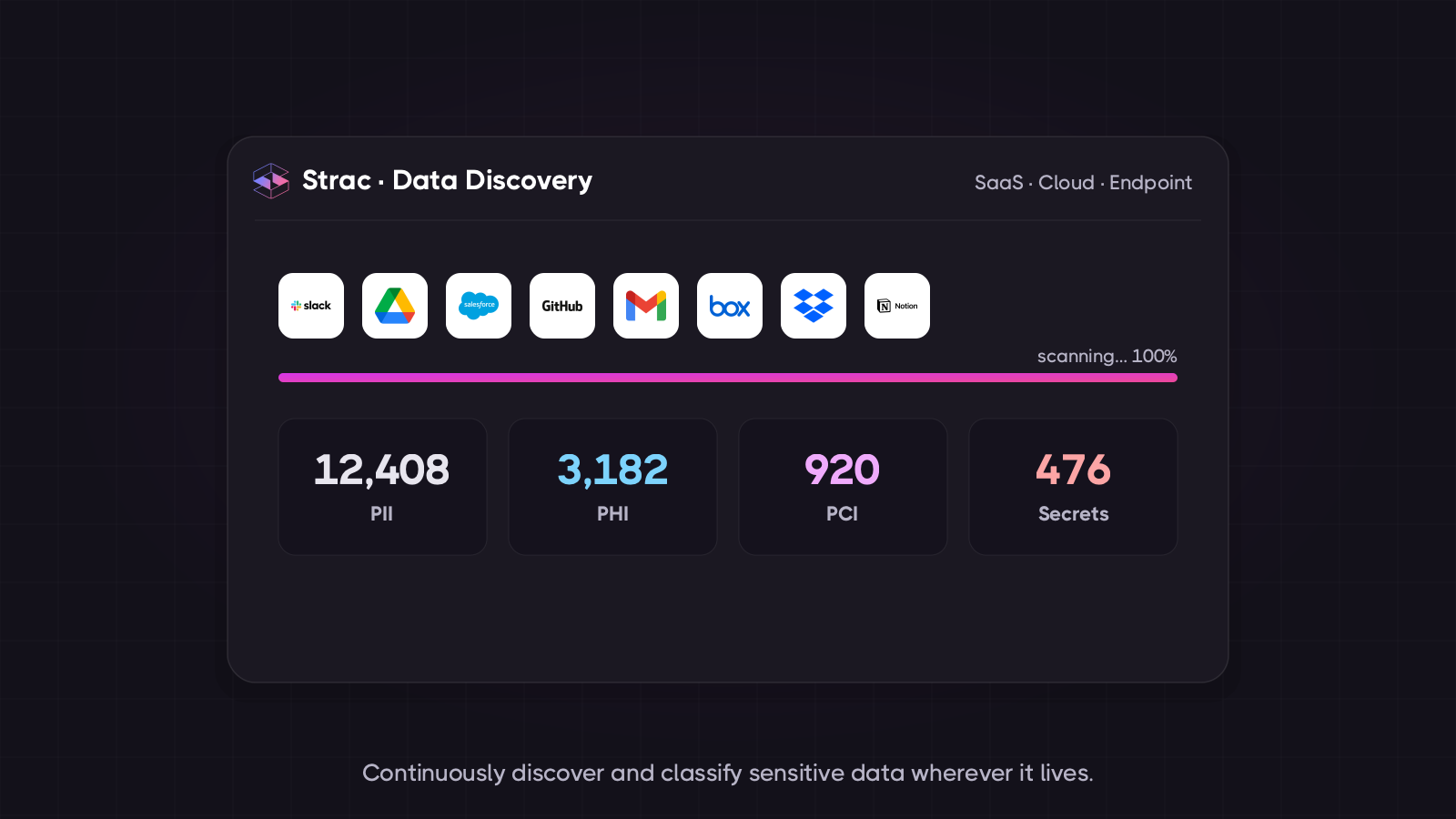
Before enabling Gemini across Workspace: find the sensitive data sitting in overshared Drive files.
✨ How to Protect Data Privacy in Gemini
Prefer Workspace Gemini and make it easy to reach, so people don't drift to the consumer app out of convenience.
Clean up Drive sharing — public links, over-broad folder permissions, and stale access are what Gemini will surface.
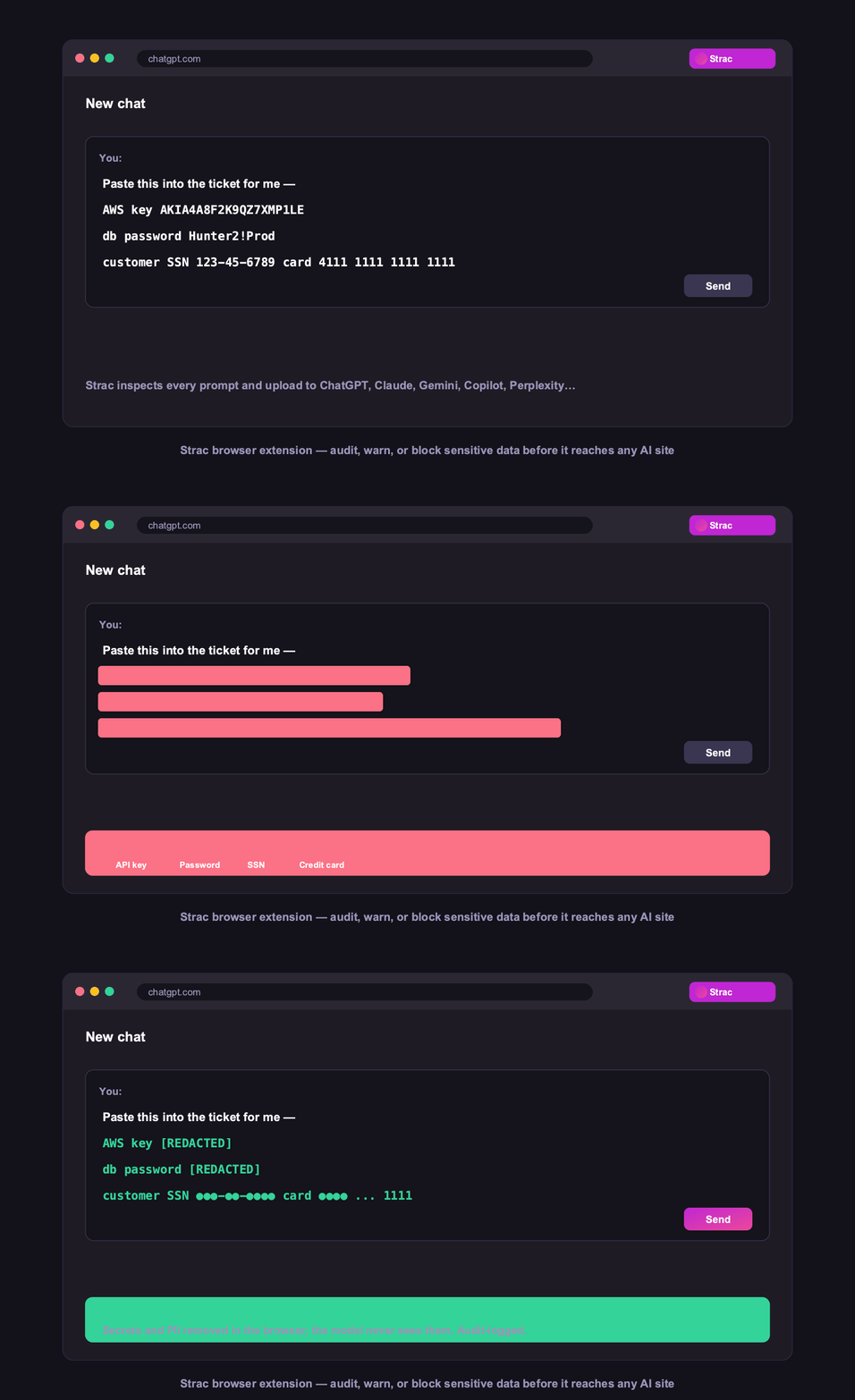
Redact at the prompt — detect PII, PHI, PCI, secrets, and source code as they're typed and remove them before submission. This works in any Gemini, including the personal account you don't control.
Warn or block for the data classes you never permit, and log every event as compliance evidence.
Strac covers Gemini in the browser (Chrome, Edge, Firefox, Safari) alongside ChatGPT, Claude, Copilot, and Perplexity — and protects the Google Workspace data underneath it. See AI DLP.
The control that survives the account gap: sensitive data redacted in the prompt, whichever Gemini it's headed to.
✨ How Strac Covers Every AI Surface
Because the risk is the tab you do not manage, the control has to sit lower than the licence:
Browser DLP — catches the prompt whether it is Workspace Gemini or a personal Google account.
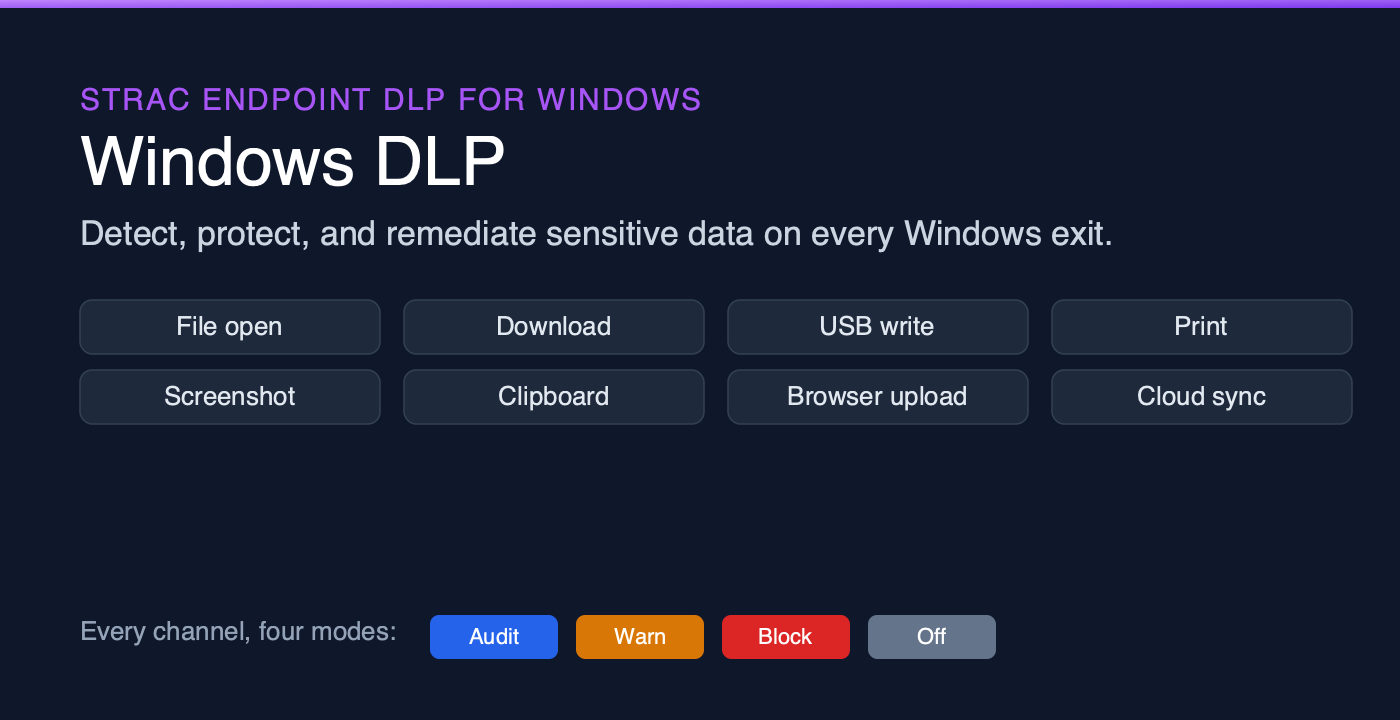
Endpoint DLP — for Gemini surfaces and files on the device itself.
MCP DLP — for agents and connectors pulling from Drive and Gmail.
Shadow AI discovery — to see who is on the consumer app at all.
Warn, or block outright, for the data classes you never allow to leave.
🌶️ Spicy FAQs for Gemini Data Privacy
Does Gemini train on my data?
Consumer Gemini may use your conversations to improve Google's services, and selected conversations can be reviewed by humans. Gemini for Google Workspace is different: governed by your enterprise agreement, your data is not used to train models and stays within your Workspace protections. The risk is employees using the consumer app for work.
Can humans read my Gemini conversations?
On consumer Gemini, yes — selected conversations may be reviewed by human reviewers to improve the service, and reviewed content can be retained for a period even after you delete your activity. Google advises not entering anything confidential you wouldn't want a reviewer to see. That guidance alone should keep customer and patient data out of it.
Is Gemini for Workspace safe for confidential data?
It's far safer than the consumer app — no model training, and your data stays in the Workspace compliance boundary. But it still surfaces anything the user can access, so overshared Drive content becomes newly discoverable, and it doesn't stop employees pasting confidential data into a different AI tool. Pair it with data-hygiene cleanup and browser-level protection.
How is Gemini different from ChatGPT on privacy?
The structure is similar — a consumer tier with looser terms and an enterprise tier that excludes training — but Gemini's consumer human-review disclosure is unusually explicit, and Gemini for Workspace is grounded in your Google content, which makes oversharing a bigger factor than it is for a standalone chatbot.
How do I stop employees pasting sensitive data into Gemini?
Enforce it in the browser, not in policy: detect sensitive data as it's typed and redact it, warn the employee, or block the submission. Because it operates at the browser layer, it protects you even when the employee is signed into a personal Google account you don't manage — which is exactly where the exposure is.
The Bottom Line
Gemini data privacy hinges on a distinction most employees never make: the Gemini your company licensed protects your data; the Gemini in their personal tab may be read by a human. You can't close that gap with licensing or policy — only by controlling what leaves the browser. Clean up Drive, steer people to Workspace Gemini, and redact the prompt regardless.
Book a demo to see sensitive data redacted from Gemini prompts in real time.
Consumer Gemini may use your conversations to improve Google's services, and selected conversations can be reviewed by humans. Gemini for Google Workspace is different: governed by your enterprise agreement, your data is not used to train models and stays within your Workspace protections. The risk is employees using the consumer app for work.
Can humans read my Gemini conversations?
On consumer Gemini, yes — selected conversations may be reviewed by human reviewers to improve the service, and reviewed content can be retained for a period even after you delete your activity. Google advises not entering anything confidential you wouldn't want a reviewer to see. That guidance alone should keep customer and patient data out of it.
Is Gemini for Workspace safe for confidential data?
It's far safer than the consumer app — no model training, and your data stays in the Workspace compliance boundary. But it still surfaces anything the user can access, so overshared Drive content becomes newly discoverable, and it doesn't stop employees pasting confidential data into a different AI tool. Pair it with data-hygiene cleanup and browser-level protection.
How is Gemini different from ChatGPT on privacy?
The structure is similar — a consumer tier with looser terms and an enterprise tier that excludes training — but Gemini's consumer human-review disclosure is unusually explicit, and Gemini for Workspace is grounded in your Google content, which makes oversharing a bigger factor than it is for a standalone chatbot.
How do I stop employees pasting sensitive data into Gemini?
Enforce it in the browser, not in policy: detect sensitive data as it's typed and redact it, warn the employee, or block the submission. Because it operates at the browser layer, it protects you even when the employee is signed into a personal Google account you don't manage — which is exactly where the exposure is.
Discover & Protect Data on SaaS, AI, MCP, Endpoints & Cloud
Strac provides end-to-end data loss prevention for all SaaS and Cloud apps. Integrate in under 10 minutes and experience the benefits of live DLP scanning, live redaction, and a fortified SaaS environment.


.webp)






.avif)




.gif)
