Search “Google Workspace SOC 2 compliance” and you hit an immediate confusion: Google Workspace already has its own SOC 2 report. So are you done? No — and this is the single most expensive misunderstanding in a SOC 2 audit. Google Workspace’s SOC 2 covers Google’s own infrastructure and service operations. It says nothing about how your organization has configured Google Workspace. Under the shared responsibility model, how your admins configure 2-Step Verification, admin roles, OAuth app access, and Drive sharing is entirely on you, and that is exactly what your auditor samples.
So “Google Workspace SOC 2 compliance” really means two things: (1) configuring Google Workspace so its security controls satisfy the relevant Trust Services Criteria, and (2) continuously proving they stayed configured across your audit window. This guide covers both — the exact settings, and how to generate the evidence automatically instead of screenshotting it the week before fieldwork. For the platform landscape, see our SOC 2 compliance software guide; for the control list, the SOC 2 controls breakdown.
What Google Workspace Owns vs What You Own
Google publishes its own SOC 2 and SOC 3 reports for Workspace, covering the service’s infrastructure and operations. Your auditor doesn’t re-test that — they test your Admin console configuration: is MFA enforced, are super-admins minimized, are risky OAuth apps blocked, and is sensitive data in Drive controlled? Workspace is where most companies’ identity and unstructured data live, so it carries disproportionate access (CC6.x) and data-protection (CC6.7) weight.
✨ Which SOC 2 Controls Your Workspace Config Touches
Workspace area
What to configure
SOC 2 criterion
2-Step Verification
Enforce MFA for all users (not just available)
CC6.1
Super-admins
Minimize count; review against access matrix
CC6.3
OAuth apps
Govern third-party app access; restrict risky scopes
CC6.1, CC6.7
Drive sharing
Restrict external sharing of sensitive content
CC6.7
Offboarding
Suspend/transfer accounts within SLA
CC6.2
Audit logs
Retain admin + login audit logs
CC7.2
✨ The Google Workspace SOC 2 Configuration Checklist
1. Enforce identity (CC6.1)
- Turn on 2-Step Verification enforcement for every organizational unit — not just “allow.”
- Require security keys or app-based MFA for admins.
- Set a password strength + length policy.
2. Minimize privilege (CC6.2, CC6.3)
- Reduce the number of super-admins to the minimum; use delegated admin roles instead.
- Review admin roles against your access matrix each period.
- Suspend and transfer accounts on offboarding within your SLA.
3. Govern apps and sharing (CC6.7)
- Inventory third-party OAuth apps; block or restrict apps with broad Gmail/Drive scopes.
- Restrict external Drive sharing for sensitive content; disable “anyone with the link” where required.
- Configure DLP rules for Drive and Gmail (and verify they actually fire — see below).
✨ How Strac Comply Automates Google Workspace SOC 2 Evidence
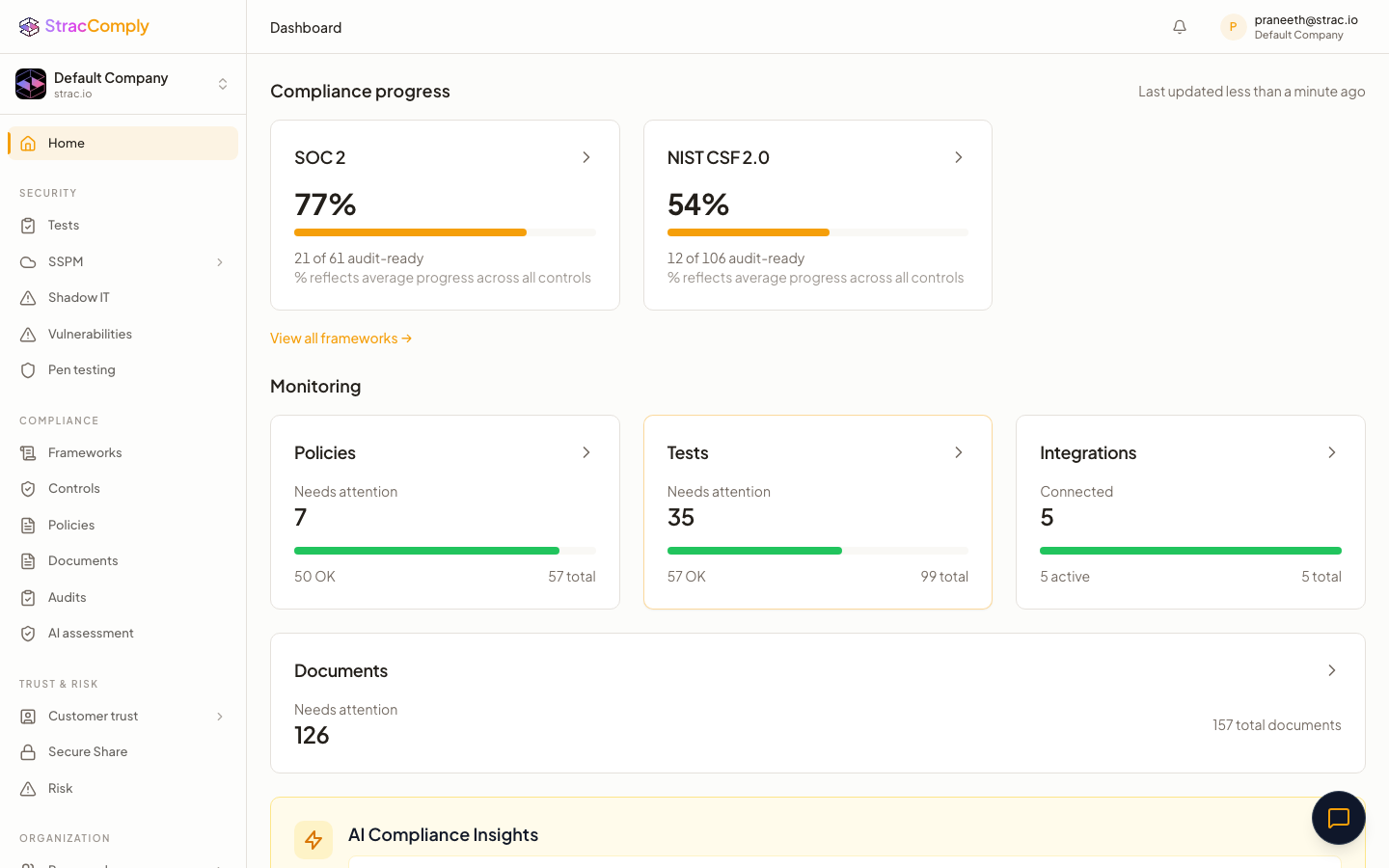
Below is what Strac Comply continuously checks across your Workspace tenant. The difference from a checklist tool: Strac Comply doesn’t ask you to attest that a control exists — it runs the test against your live Google Workspace environment every day, and the pass/fail result is the audit evidence. The connection that proves the control is the connection that catches it drifting.

And because Strac Comply runs on Strac’s SaaS DLP platform, the data-protection control (CC6.7) isn’t just attested — sensitive data in Google Workspace is discovered, classified, and protected, and that enforcement is the evidence. The same edge makes Generative AI DLP and MCP security evidence continuous. See the full platform in the SOC 2 compliance software guide.
✨ Every Google Workspace Control Strac Comply Tests, Mapped to SOC 2
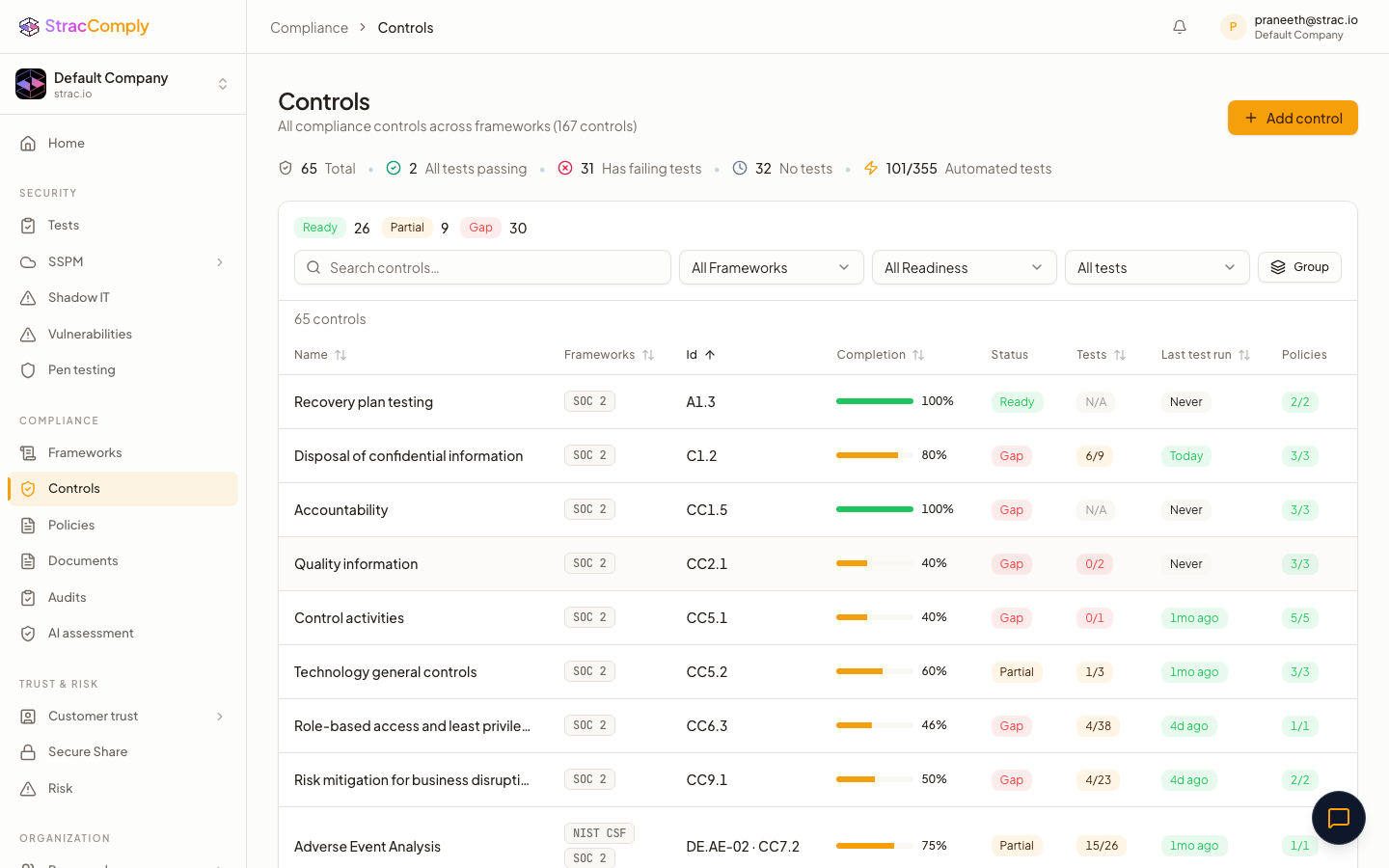
Strac Comply checks 40+ Google Workspace controls — the CIS Google Workspace Foundations Benchmark plus the data-protection checks SOC 2 adds — each tied to a specific Trust Services Criterion. Required marks the CIS-core controls a SOC 2 auditor samples directly; Recommended controls strengthen your monitoring and data-protection evidence. Each row is checked continuously, so the pass/fail result is your audit evidence.
Authentication & MFA (CC6.1, CC6.2)
Workspace control (checked continuously)
SOC 2 criteria
Tier
2-Step Verification enforced for all users
CC6.1, CC6.2
Required
Security keys enforced for super admins
CC6.1
Required
Minimum password length enforced
CC6.1
Required
Less-secure-app access disabled
CC6.1, CC6.6
Required
User 2SV enrollment allowed and tracked
CC6.1, CC6.2
Recommended
Web session length limited (reauthentication required)
CC6.1
Recommended
Admin & Privileged Access (CC6.1, CC6.3)
Workspace control (checked continuously)
SOC 2 criteria
Tier
Super admin count minimized to authorized users
CC6.1, CC6.3
Required
Admin role assignments reviewed against access matrix
CC6.1, CC6.3, CC6.5
Required
Super admins have recovery email and phone configured
CC6.1
Recommended
Admin alerts enabled for high-risk events
CC6.1, CC7.2
Recommended
Provisioning & Offboarding (CC6.2, CC6.5)
Workspace control (checked continuously)
SOC 2 criteria
Tier
Inactive users reviewed and suspended
CC6.1, CC6.3, CC6.5
Required
Suspended users have no active OAuth tokens
CC6.3, CC6.5
Required
Accounts suspended/transferred on offboarding within SLA
CC6.2, CC6.5
Required
Deprovisioning events recorded in the audit log
CC6.5, CC7.2
Recommended
Email Security — Gmail (CC6.6, CC6.7, CC6.8)
Workspace control (checked continuously)
SOC 2 criteria
Tier
SPF record published for all sending domains
CC6.6, CC6.8
Required
DKIM signing enabled
CC6.6, CC6.8
Required
DMARC policy enforced (quarantine or reject)
CC6.6, CC6.8
Required
Enhanced pre-delivery spoofing/authentication protection on
CC6.8
Required
Attachment & link (Safe Browsing) protection enabled
CC6.8
Required
MTA-STS enabled
CC6.7
Recommended
External-recipient warning banner enabled
CC6.8
Recommended
IMAP/POP access restricted
CC6.1, CC6.6
Recommended
Data Sharing & DLP — Drive & Calendar (CC6.7, C1.1)
Workspace control (checked continuously)
SOC 2 criteria
Tier
Drive external sharing restricted for sensitive content
CC6.7, C1.1
Required
Default link sharing set to restricted (no “anyone with link”)
CC6.7, C1.1
Required
DLP rules configured for Drive & Gmail and verified firing
CC6.7
Required
Shared-drive membership and sharing settings controlled
CC6.7
Recommended
Calendar external sharing limited to free/busy
CC6.7
Recommended
Device Management (CC6.7, CC6.8)
Workspace control (checked continuously)
SOC 2 criteria
Tier
ChromeOS devices compliant with policy
CC6.7
Required
Mobile devices enrolled and compliant (MDM)
CC6.7, CC6.8
Required
Screen lock / passcode enforced on managed devices
CC6.7, CC6.8
Required
Device encryption required
CC6.7
Required
Remote wipe enabled for lost/stolen devices
CC6.7
Recommended
Third-Party Apps & API Access (CC6.1, CC6.8)
Workspace control (checked continuously)
SOC 2 criteria
Tier
Domain-wide delegation service accounts reviewed
CC6.1, CC6.8
Required
Third-party OAuth apps reviewed for risky scopes
CC6.1, CC6.8, CC9.1
Required
Unconfigured third-party app access blocked by default
CC6.1, CC6.8
Required
API access limited to trusted apps for core services
CC6.1, CC6.8
Required
Marketplace app allowlist enforced
CC6.1, CC6.8
Recommended
Logging & Monitoring (CC7.2, CC7.3)
Workspace control (checked continuously)
SOC 2 criteria
Tier
Admin and login audit logging enabled and capturing events
CC7.2
Required
Suspicious login activity reviewed
CC7.2, CC7.3
Required
Admin activity audit log reviewed
CC6.3, CC7.2
Recommended
Audit logs exported to SIEM/BigQuery for retention
CC7.2
Recommended
Alert Center rules configured and triaged
CC7.2, CC7.3
Recommended
Controls outside this list — security awareness training, vendor reviews, incident response — are process controls Strac Comply tracks through policies and tasks. Together they cover the Common Criteria for your Workspace tenant; see the SOC 2 controls guide for the full list.
Common Google Workspace SOC 2 Mistakes
- 2SV “allowed” not “enforced.” Letting users opt in fails CC6.1 — it must be enforced.
- Too many super-admins. Every extra super-admin is an audit question and a breach blast-radius.
- Unreviewed OAuth grants. A marketing tool with full Drive scope is an invisible data-exfiltration path.
- Trusting the DLP policy without verifying it. CC6.7 wants proof a real PII share was caught — not just that a rule exists.
Prove your Google Workspace SOC 2 controls automatically
Strac Comply verifies 2SV enforcement, admin minimization, OAuth governance, and Drive sharing continuously — and its DLP redacts PII in Drive and Gmail so CC6.7 is enforced, not attested.
Start at comply.strac.io →
🌶️ Spicy FAQs for Google Workspace SOC 2 compliance
Is Google Workspace SOC 2 compliant?
Yes — Google publishes its own SOC 2 and SOC 3 reports for Workspace. But that covers Google’s side. Your audit tests your Admin console configuration: MFA enforcement, admin roles, OAuth governance, and Drive sharing.
Which SOC 2 controls does Google Workspace cover?
Mainly access controls (CC6.1–CC6.3) through MFA and admin-role management, and data protection (CC6.7) through OAuth governance, Drive sharing controls, and DLP.
Does Google Workspace MFA satisfy SOC 2?
Only if it’s enforced for all users, not merely available. CC6.1 expects mandatory MFA; an auditor checks the enforcement setting and samples user state.
What about third-party OAuth apps?
They’re the most overlooked Workspace risk. An app with broad Drive/Gmail scopes can exfiltrate data silently. Inventory and restrict them — it’s a CC6.1/CC6.7 control auditors increasingly ask about.
How do I prove Drive data is protected?
Configuring a DLP rule isn’t proof it works. Strac Comply with Google Workspace DLP shows the actual redaction events as CC6.7 evidence.
How many Google Workspace controls does Strac Comply check?
40+ controls — the CIS Google Workspace Foundations Benchmark plus the data-protection checks SOC 2 adds — across authentication, admin access, provisioning, Gmail email security (SPF/DKIM/DMARC), Drive sharing & DLP, device management, OAuth/API governance, and audit logging. See the full mapping table above.


.webp)






.avif)





.gif)
