Chrome DevTools MCP Server: Secure Setup for AI Agents (2026)
The Chrome DevTools MCP server lets AI agents inspect network traffic, HAR files, cookies, and console logs. Here's the setup, the real secret-leakage risks, and how Strac governs every tool call with secrets detection and a full audit trail.
The Chrome DevTools MCP server gives AI agents (Claude, Cursor, Copilot) the ability to inspect a page's network traffic, HAR captures, cookies, storage, and console — so an agent can debug and verify front-end behavior.
The risk isn't PII — it's secrets. HAR files and network logs are notorious for carrying auth tokens, session cookies, API keys, and full request/response bodies. One tool call can hand all of that to a model.
Strac Chrome DevTools MCP DLP governs every tool call: it sees what each agent inspects, controls and blocks risky calls, remediates the secrets and sensitive data in the response (redact, mask, tokenize), and proves it with a per-call audit log.
Agentless, deploys in under 10 minutes.
What Is the Chrome DevTools MCP Server?
The Chrome DevTools MCP server exposes browser inspection — the Network, Application, and Console panels — to AI agents over the Model Context Protocol. Once connected, an agent can capture a HAR file, read response bodies, list cookies and local storage, and pull console output to diagnose a bug or confirm a flow.
That's genuinely useful for debugging. It also means the agent now has access to the most secret-dense artifacts a browser produces.
What AI Agents Can Do With Chrome DevTools MCP
Capture and read HAR files — every request and response on a page, including headers and bodies.
Inspect network calls — auth flows, API payloads, tokens passed between services.
Read cookies and storage — session cookies, JWTs, and local-storage values.
Pull console logs — which routinely contain dumped objects, tokens, and stack traces.
The same reach that makes it a great debugging assistant is exactly why every call needs inspection before it reaches the model. Where a team needs to keep using the data in an AI model, Strac can also pseudonymize or de-identify it — swapping PII, PHI, and PCI for realistic, format-preserving fakes (see Data Pseudonymization).
The Real Security Risks — Secrets, Not PII
DevTools data is a secret-leakage problem first:
1. HAR files leak auth headers and tokens. A HAR capture includes Authorization: Bearer … headers, session cookies, and API keys passed in requests — the single most common source of accidental credential exposure.
2. Cookies and storage are session keys. Reading cookies/JWTs lets an agent (or anyone who sees the model context) impersonate a session.
3. Response bodies carry secrets and customer data. API responses pulled into a HAR can include tokens, internal IDs, and occasionally PII.
4. Console logs dump everything. Developers log objects, tokens, and errors that should never leave the browser.
Traditional DLP doesn't sit in the MCP path — the HAR goes straight from the browser into the model's context. That gap is where Strac lives. This is the ingress shift: data pulled in by agents, not leaked out by users.
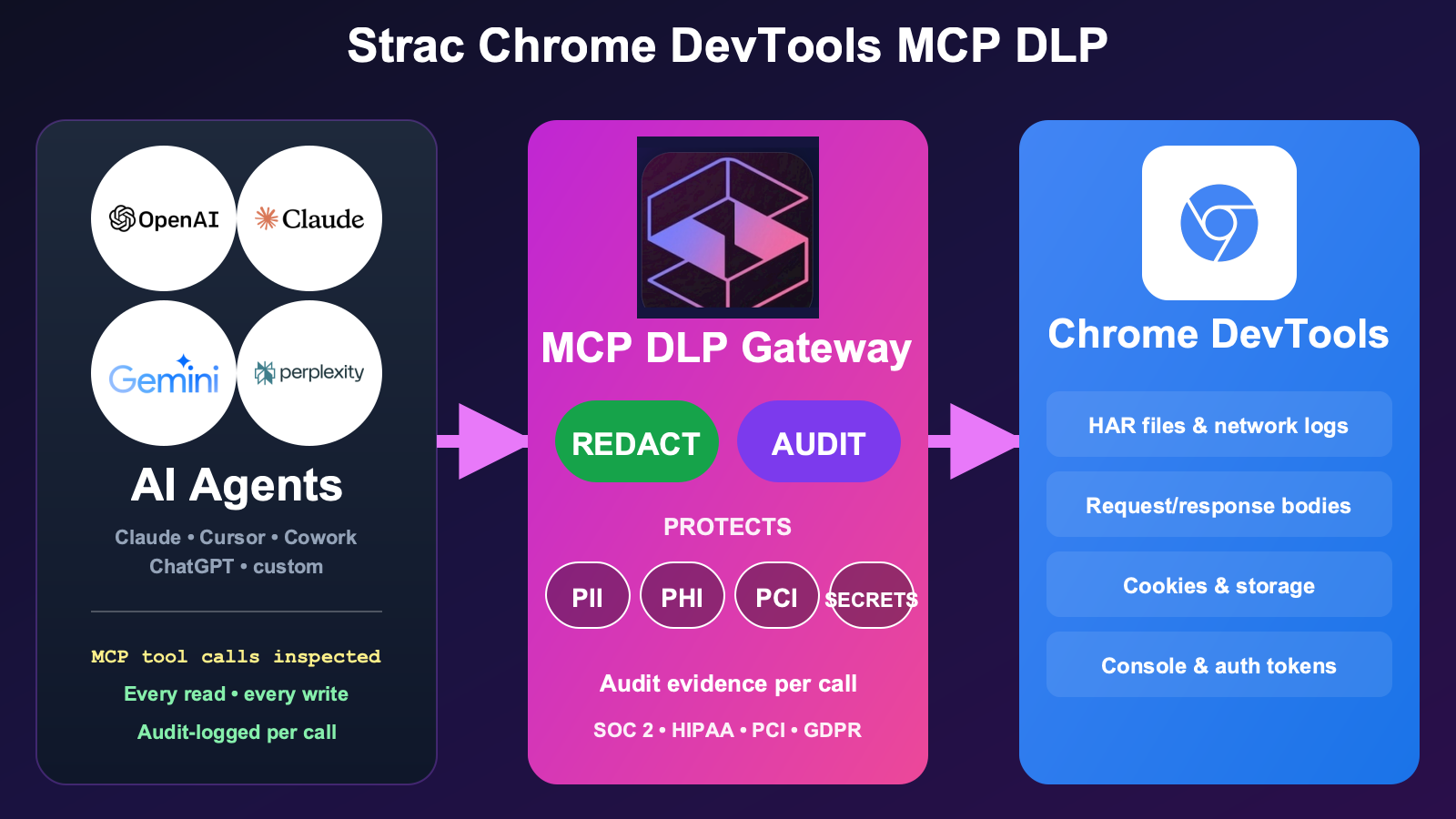
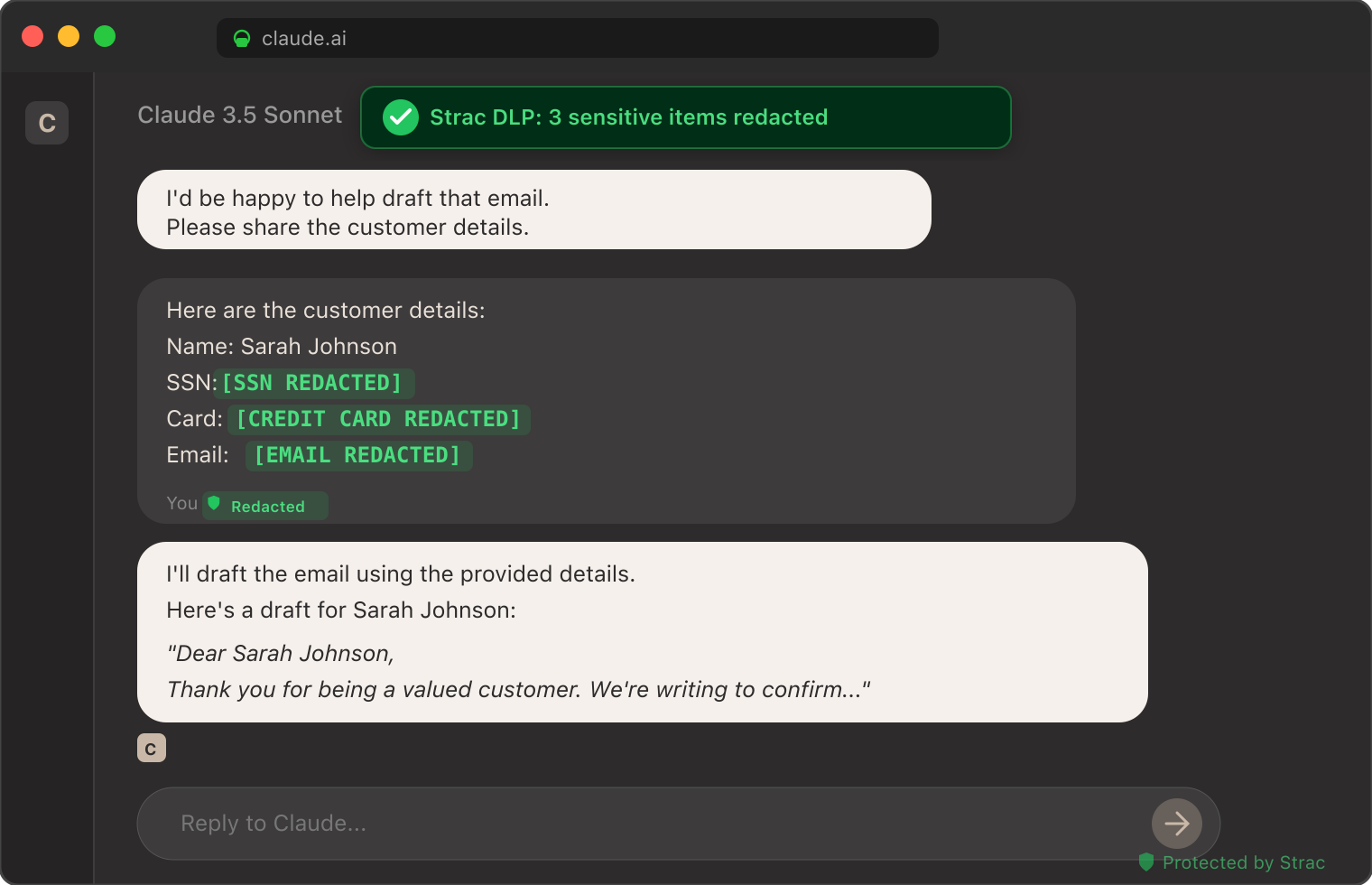
Strac is the governance gateway between AI agents and the Chrome DevTools MCP server, intercepting every tool call on four fronts. You see every capture each agent makes. You control what it can inspect and block risky calls. You protect the response — secrets, tokens, and PII are redacted, masked, or tokenized inline. And you prove it with a full audit log.
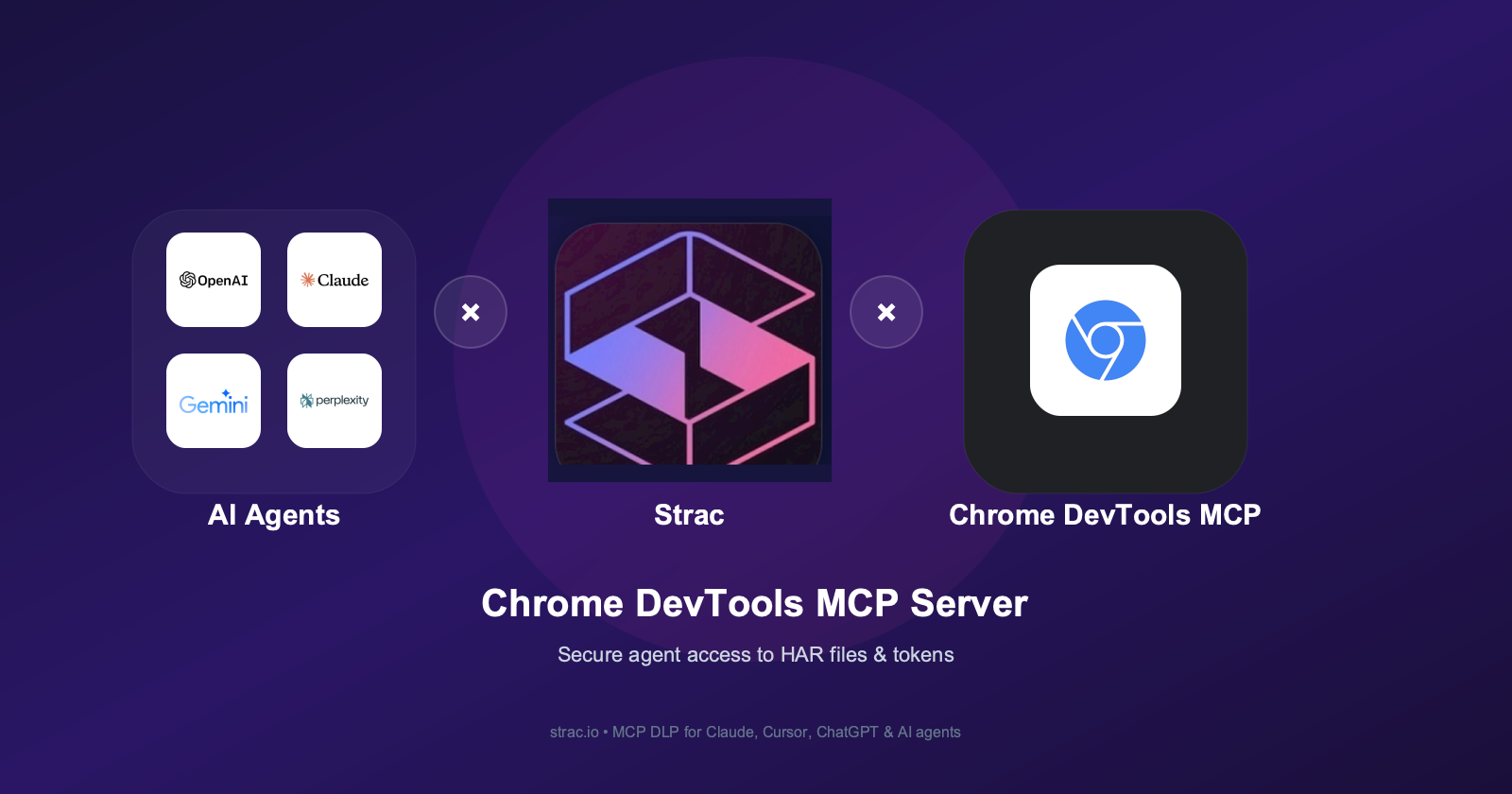
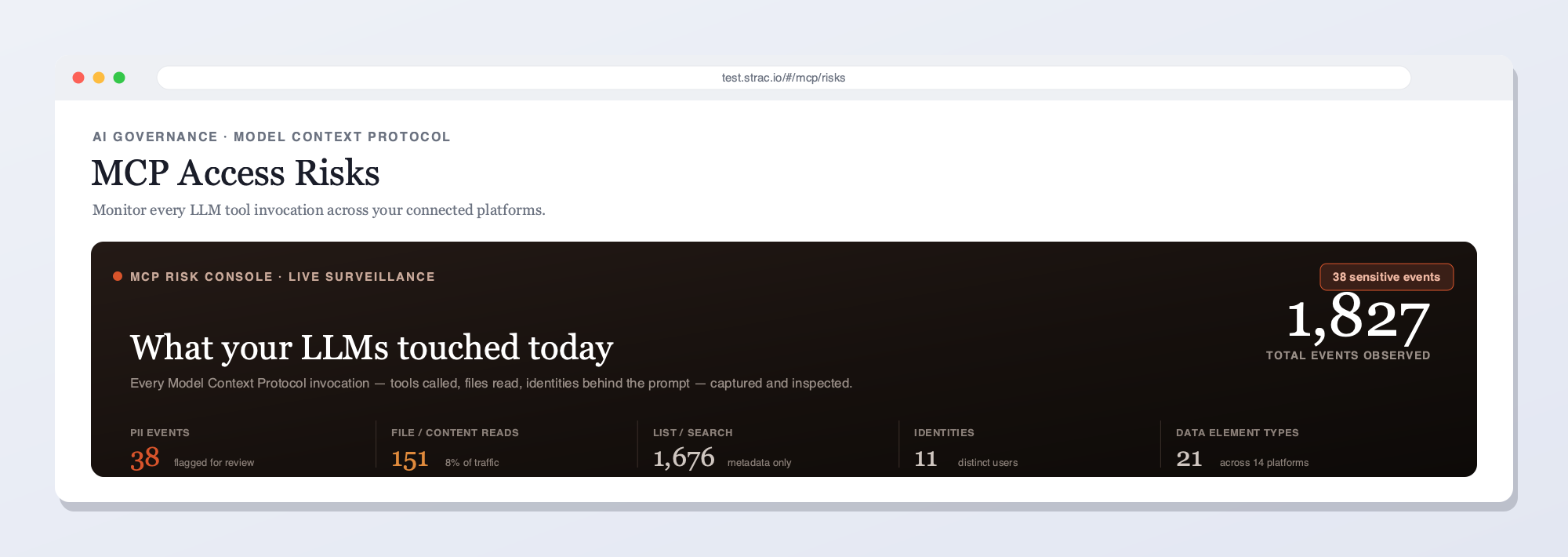
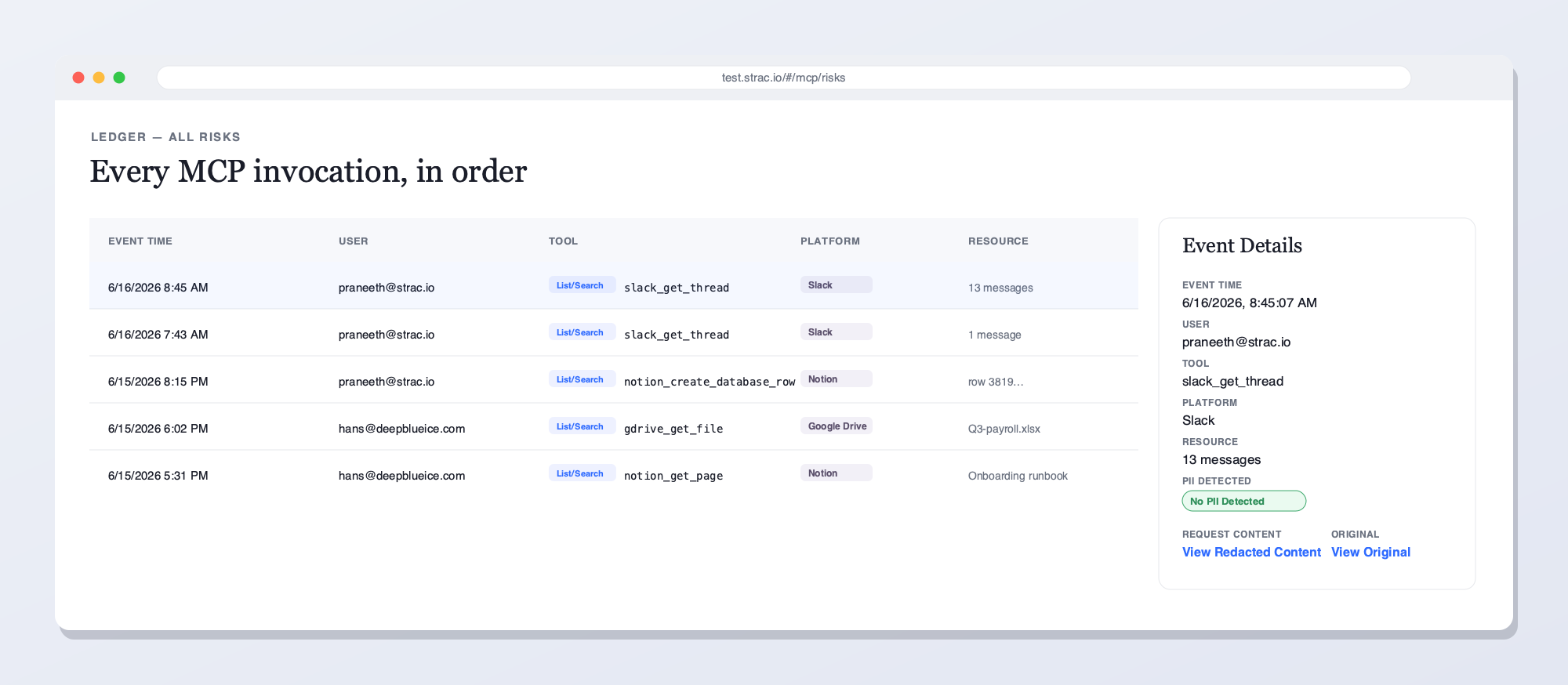
Strac intercepts every Chrome DevTools tool call — auth tokens, cookies, API keys, and secrets in HAR files are remediated before the agent reads them.Strac's live MCP Access console — every AI agent tool call touching Chrome DevTools and your other platforms, captured and inspected for secrets and sensitive data in real time.Every Chrome DevTools MCP invocation in order — user, tool, and the secrets or data found — with remediated vs. original content and a full audit trail. The data in each call, not just the call.Content-level detection — 48+ secret patterns (API keys, AWS/GCP/Azure keys, OAuth tokens, JWTs, private keys), plus PII and source code — remediated inline, including text inside images via OCR.
Why not just an access gateway?
Access-only tools answer "who called what." They do not see the bearer token sitting in a HAR response. Strac sits inline on every Chrome DevTools tool call: it detects and remediates the secrets inside — redact, mask, block, or revoke — approves or blocks risky actions per agent, and keeps the audit trail. The call and its contents.
What Strac does on every Chrome DevTools tool call
One inline pass over each response — five actions, your policy:
Detect — finds auth tokens, cookies, API keys, secrets, and any PII in the HAR or console output, including text inside screenshots via OCR.
Redact or mask — replaces the sensitive elements inline so the agent still debugs and the model never sees the raw token.
Block or require approval — stops a high-risk capture or routes it for sign-off.
Alert — notifies your team and streams the event to your SIEM (Splunk, Sentinel, Datadog).
Audit — logs who, which agent, which tool, what secret class, and the action taken — evidence mapped to SOC 2, HIPAA, PCI, and GDPR.
The same Strac MCP DLP layer covers the full MCP connector directory — one control plane across every place AI agents touch your data.
How to Set Up Strac Chrome DevTools MCP DLP
Authorize Strac and point your AI client's MCP config at the Strac gateway endpoint.
Pick a policy — out-of-the-box templates for secrets, PII, and PCI.
Done — every Chrome DevTools tool call now flows through Strac. No code changes; the audit log populates immediately.
🌶️ Spicy FAQs for Chrome DevTools MCP Server
What is the Chrome DevTools MCP server?
It's a Model Context Protocol server that lets AI agents inspect a page's network traffic, HAR files, cookies, storage, and console through Chrome DevTools — useful for debugging, and a major secret-exposure surface.
Is the Chrome DevTools MCP server safe to use?
Not by itself. HAR files and network logs carry auth tokens, session cookies, and API keys, which the server returns in full to the model. For safe use you need an MCP-layer control like Strac that remediates secrets before they reach the agent.
Do HAR files contain secrets?
Yes — HAR captures include Authorization headers, bearer tokens, cookies, and request/response bodies. They're one of the most common sources of accidental credential leakage, which is why agent access to them needs inspection.
Does Strac Chrome DevTools MCP DLP work with Claude, Cursor, and ChatGPT?
Yes. Strac exposes a standard MCP gateway endpoint, so any MCP-aware client routes Chrome DevTools tool calls through it with one config change.
What does Strac detect in DevTools data?
48+ secret patterns (API keys, AWS/GCP/Azure access keys, OAuth tokens, JWTs, SSH and private keys), PII, and source code — across HAR files, network bodies, cookies, and console logs.
It's a Model Context Protocol server that lets AI agents inspect a page's network traffic, HAR files, cookies, storage, and console through Chrome DevTools — useful for debugging, and a major secret-exposure surface.
Is the Chrome DevTools MCP server safe to use?
Not by itself. HAR files and network logs carry auth tokens, session cookies, and API keys, which the server returns in full to the model. For safe use you need an MCP-layer control like Strac that remediates secrets before they reach the agent.
Do HAR files contain secrets?
Yes — HAR captures include Authorization headers, bearer tokens, cookies, and request/response bodies. They're one of the most common sources of accidental credential leakage, which is why agent access to them needs inspection.
Does Strac Chrome DevTools MCP DLP work with Claude, Cursor, and ChatGPT?
Yes. Strac exposes a standard MCP gateway endpoint, so any MCP-aware client routes Chrome DevTools tool calls through it with one config change.
What does Strac detect in DevTools data?
48+ secret patterns (API keys, AWS/GCP/Azure access keys, OAuth tokens, JWTs, SSH and private keys), PII, and source code — across HAR files, network bodies, cookies, and console logs.
Discover & Protect Data on SaaS, AI, MCP, Endpoints & Cloud
Strac provides end-to-end data loss prevention for all SaaS and Cloud apps. Integrate in under 10 minutes and experience the benefits of live DLP scanning, live redaction, and a fortified SaaS environment.


.webp)






.avif)



.gif)
