Salesforce Data Classification: Find & Remediate Sensitive Data
Salesforce data classification explained — native metadata fields, what Einstein Data Detect scans (and misses), and how to find and remediate PII, PHI, and PCI in Salesforce Cases, comments, and attachments.
Salesforce's native data classification is metadata tagging, not data scanning. You label a field with a Data Owner, Field Usage, Data Sensitivity Level, and Compliance Categorization. It describes what a field is supposed to hold — it never looks at what's actually in your records.
Einstein Data Detect (a Salesforce Shield feature) does scan — but only Text, Text Area, Long Text Area, and Rich Text fields, using regex-based rules. It does not read attachments, and it classifies without remediating: it tells you a field holds PII, then leaves the PII exactly where it is.
The sensitive data in most Salesforce orgs isn't in a tidy field. It's in Case email bodies, Case comments, and attachments — a customer emails a photo of their driver's license, an agent pastes a card number into a comment, a signed contract lands as a PDF.
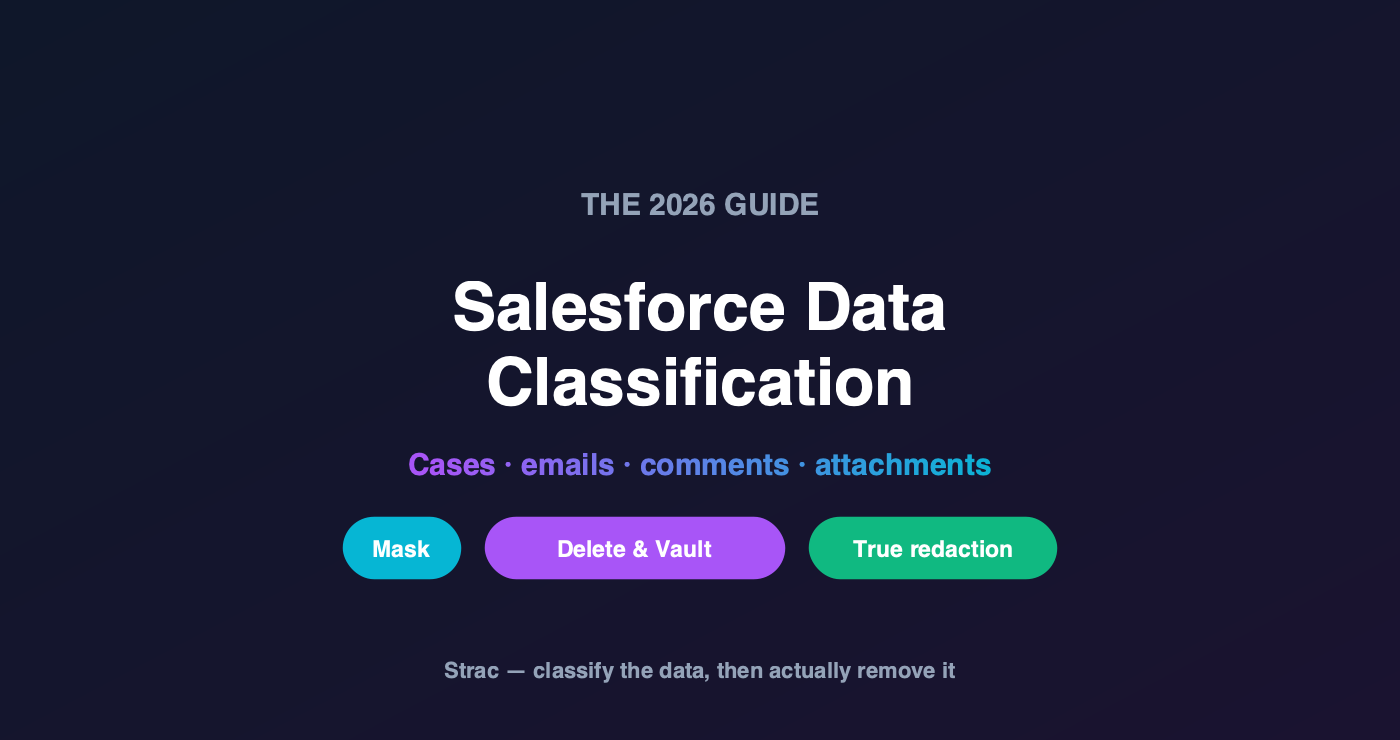
Strac classifies and fixes it: scanning Salesforce objects including Cases (emails, comments, attachments with OCR), then remediating three ways — mask, delete-and-vault (the sensitive value moves into the Strac Vault and Salesforce keeps only a secure link), and true attachment redaction (the original file is deleted and replaced with a blacked-out version).
What Salesforce Data Classification Actually Is
Salesforce gives you Data Classification Metadata Fields on any standard or custom object field:
Field
What it captures
Data Owner
Who is accountable for this data
Field Usage
How actively the field is used
Data Sensitivity Level
Your risk rating (e.g. Public, Internal, Confidential, Restricted, Mission Critical)
Compliance Categorization
Which regulations govern it (PII, PCI, HIPAA, GDPR…)
You can customize the picklists via Data Classification Settings in Setup, or the SecurityClassification and ComplianceGroup StandardValueSets through the Metadata API. It's genuinely useful for governance: it gives auditors a documented map of what your org intends to store where.
But note what it is: a label on a field definition, applied by an admin. It doesn't scan a single record. If someone pastes an SSN into a "Description" field classified as Internal, Salesforce keeps calling it Internal.
Einstein Data Detect: Scanning, With Limits
Salesforce closed part of that gap with Einstein Data Detect (included with Shield). It runs object- and field-level scans using prebuilt and custom regex rules across 20+ sensitive data types, and lets you update field classifications directly from the results — so your labels finally reflect reality.
That's a real improvement. Here's what it doesn't do:
It only scans text-type fields — Text, Text Area, Long Text Area, and Rich Text (the plain text within them). Attachments and files are out of scope.
It's regex-driven — powerful for structured patterns, but prone to false positives without context (a 16-digit number isn't necessarily a card number).
It classifies; it doesn't remediate. You end a Data Detect scan knowing a field contains PII. The PII is still there. Fixing it is a separate project, usually a manual one.
It's gated behind Shield licensing.
✨ The Sensitive Data Salesforce Scans Miss: Cases
Ask any Salesforce admin where the PII actually lives and you'll get the same answer: Cases. Support is where customers hand you their most sensitive data, unprompted and unstructured:
Case email bodies — a customer replies with their full SSN, date of birth, or account number to verify identity
Case comments — an agent pastes a card number or a screenshot into an internal note while troubleshooting a payment
Case attachments — a photo of a driver's license, a bank statement PDF, a signed contract, an insurance card, a screenshot of a portal showing account details
Not one of those is a neatly typed value in a classified field. The attachments in particular are invisible to native scanning — and they're the highest-risk items in the org, because a scanned ID or a statement PDF carries everything at once.
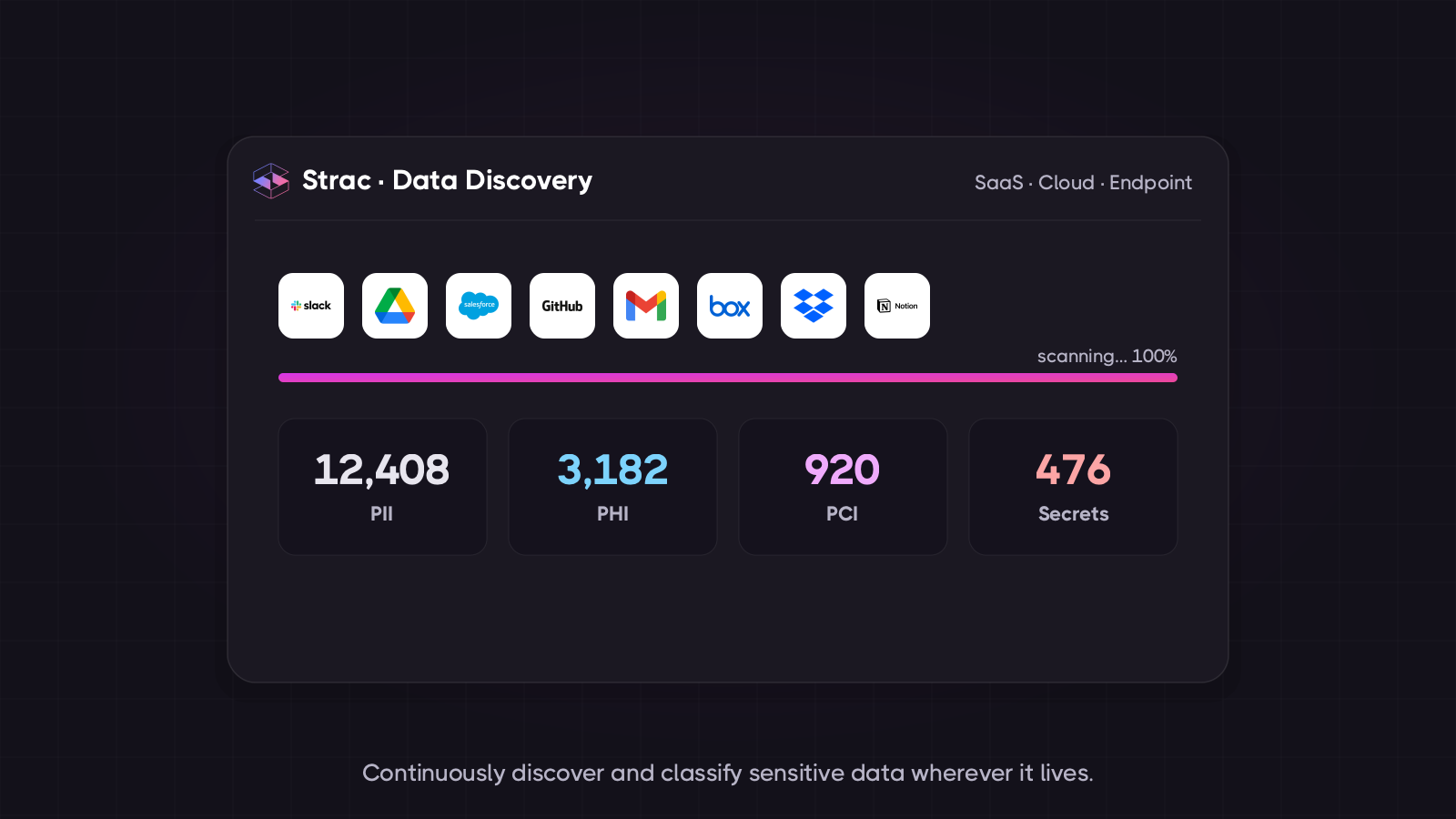
Classification that reads the data, not the schema: Strac scans Salesforce objects and surfaces exactly which records hold PII, PHI, PCI, or secrets.
✨ How Strac Classifies and Remediates Salesforce Data
Strac connects to Salesforce via API — agentless, live in minutes — and does the two things native classification doesn't: it reads the actual data everywhere it hides, and then it fixes it.
1. It scans what matters, including the unstructured layer.
Standard and custom objects, and critically for support orgs, the full Case surface: email bodies, comments, and attachments. Attachments are read with OCR, so a driver's license photo, a scanned bank statement, or a screenshot of a payment page is inspected like any other document. Detection is contextual ML (not bare regex) with Luhn-validated card numbers, 48+ secret patterns, and custom detectors for your own identifiers — which is what keeps false positives low enough to actually enforce.
2. Then it remediates — in three flavors you choose per policy.
Mask. The sensitive value is masked in place (e.g. XXXX-XXXX-XXXX-4242), so agents keep the context they need without the raw data.
🔒 Delete and vault — the flagship. The sensitive value is removed from Salesforce entirely and stored in the Strac Vault, with Salesforce keeping only a secure link in its place. Authorized users can click through and retrieve the value when they legitimately need it; everyone else — and every future export, report, integration, and AI agent reading that record — sees only a link. This is the difference between hiding sensitive data and no longer storing it. Your Salesforce org stops being a system of record for regulated data, which is exactly what shrinks PCI and HIPAA scope.
🖤 True attachment redaction (blackening). For files, Strac doesn't just flag the attachment — it generates a redacted copy with the sensitive regions blacked out, deletes the original, and attaches the redacted version in its place. The original file, with the un-redacted SSN or card number, is gone. This matters: masking a preview while the raw PDF still sits in the org is not redaction — anyone with API access, an export, or an integration can still pull the original. Deleting the original is the only version that survives an audit.
One policy: detect the data class, then choose the remediation — mask, delete-and-vault, or true redaction — automatically.
3. And it proves it. Every detection, redaction, vault event, and access is logged as audit-ready evidence mapped to PCI DSS, HIPAA, SOC 2, ISO 27001, and GDPR.
Native Salesforce vs. Data Detect vs. Strac
Capability
Data Classification (native)
Einstein Data Detect
Strac
Labels fields with sensitivity/compliance metadata
Deletes original attachment, replaces with redacted
❌
❌
✅
Compliance evidence
Manual
Scan reports
✅ audit-ready, framework-mapped
🌶️ Spicy FAQs for Salesforce Data Classification
What is data classification in Salesforce?
Salesforce data classification is a set of metadata fields — Data Owner, Field Usage, Data Sensitivity Level, and Compliance Categorization — that you apply to standard and custom object fields to document what kind of data each field holds and which regulations govern it. It's a governance label applied by an admin, not a scan of your actual records.
Does Salesforce automatically classify sensitive data?
Not with the native metadata fields — those are set manually. Einstein Data Detect (part of Salesforce Shield) does scan for sensitive data automatically, but only in Text, Text Area, Long Text Area, and Rich Text fields, using regex rules. It doesn't scan attachments, and it classifies findings rather than remediating them.
Can Salesforce find PII in attachments?
Not natively. Einstein Data Detect scans text-type fields, so PDFs, images, screenshots, and scanned documents attached to Cases are out of scope — which is a serious gap, because attachments are where the highest-concentration PII lives (driver's licenses, bank statements, signed contracts). Finding it requires OCR-based scanning, which is what Strac applies to every Salesforce attachment.
What's the difference between classifying and remediating sensitive data?
Classification tells you what data you have and where. Remediation actually does something about it — masking the value, deleting it and storing it in a vault, or replacing an attachment with a redacted copy. Salesforce's tools stop at classification. If your goal is reducing PCI or HIPAA scope, classification alone doesn't move the needle; the regulated data has to leave the org.
How do I remove sensitive data from Salesforce without breaking agent workflows?
Use graduated remediation. Mask values agents only need to recognize (last four of a card), and for data they occasionally need in full, delete it from Salesforce and store it in a secure vault, leaving a link authorized users can open. Agents keep working, but the raw regulated data is no longer sitting in your CRM, its exports, its reports, or its integrations.
Does redacting an attachment actually delete the original?
It should — and that's the test to apply to any vendor. Masking a preview while the original PDF remains in the org isn't redaction: anyone with API access or an export can still pull the raw file. Strac generates a blacked-out copy, deletes the original attachment, and attaches the redacted version in its place, so the un-redacted document no longer exists in Salesforce.
Salesforce data classification is a good governance foundation and a poor security control — it labels fields, and (with Data Detect) scans text. The sensitive data that actually creates breach and compliance exposure sits in Case emails, comments, and attachments, and no amount of labeling removes it. Classify the data, then get it out: mask what agents can live without, vault what they occasionally need, and truly redact the attachments — original deleted, redacted copy in its place.
Book a 30-minute demo to see Strac scan your Salesforce Cases — emails, comments, and attachments — and remediate what it finds.
Salesforce data classification is a set of metadata fields — Data Owner, Field Usage, Data Sensitivity Level, and Compliance Categorization — that you apply to standard and custom object fields to document what kind of data each field holds and which regulations govern it. It's a governance label applied by an admin, not a scan of your actual records.
Does Salesforce automatically classify sensitive data?
Not with the native metadata fields — those are set manually. Einstein Data Detect (part of Salesforce Shield) does scan for sensitive data automatically, but only in Text, Text Area, Long Text Area, and Rich Text fields, using regex rules. It doesn't scan attachments, and it classifies findings rather than remediating them.
Can Salesforce find PII in attachments?
Not natively. Einstein Data Detect scans text-type fields, so PDFs, images, screenshots, and scanned documents attached to Cases are out of scope — which is a serious gap, because attachments are where the highest-concentration PII lives (driver's licenses, bank statements, signed contracts). Finding it requires OCR-based scanning, which is what Strac applies to every Salesforce attachment.
What's the difference between classifying and remediating sensitive data?
Classification tells you what data you have and where. Remediation actually does something about it — masking the value, deleting it and storing it in a vault, or replacing an attachment with a redacted copy. Salesforce's tools stop at classification. If your goal is reducing PCI or HIPAA scope, classification alone doesn't move the needle; the regulated data has to leave the org.
How do I remove sensitive data from Salesforce without breaking agent workflows?
Use graduated remediation. Mask values agents only need to recognize (last four of a card), and for data they occasionally need in full, delete it from Salesforce and store it in a secure vault, leaving a link authorized users can open. Agents keep working, but the raw regulated data is no longer sitting in your CRM, its exports, its reports, or its integrations.
Discover & Protect Data on SaaS, AI, MCP, Endpoints & Cloud
Strac provides end-to-end data loss prevention for all SaaS and Cloud apps. Integrate in under 10 minutes and experience the benefits of live DLP scanning, live redaction, and a fortified SaaS environment.


.webp)






.avif)




.gif)
