November 13, 2026

5
min read
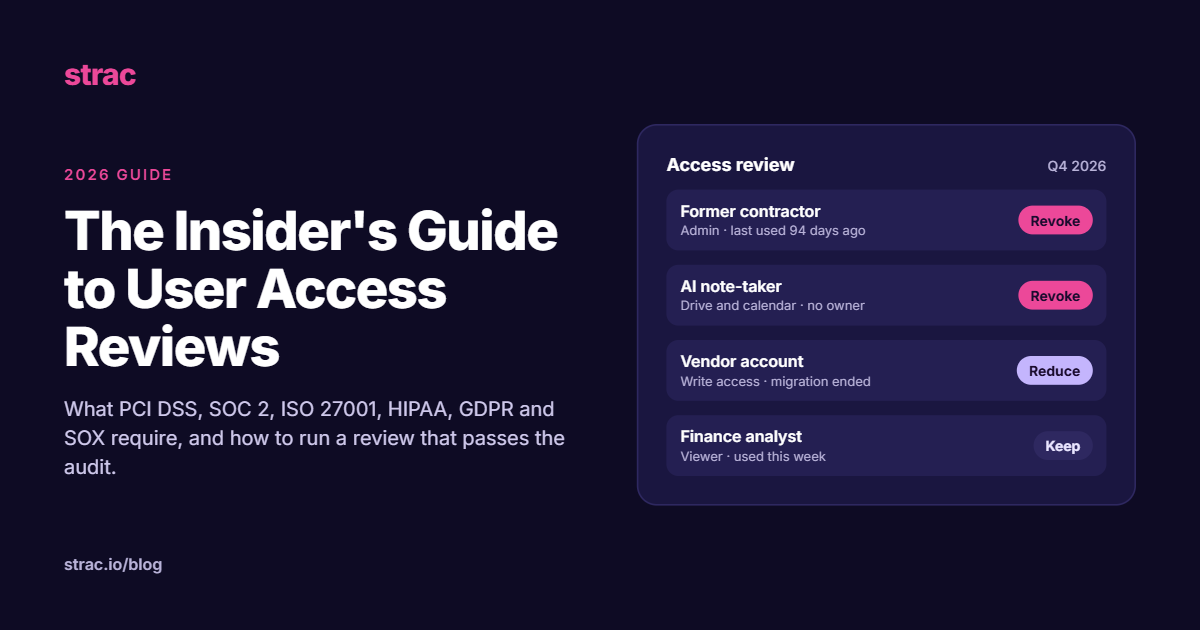
The Insider's Guide to User Access Reviews
Learn how to run user access reviews that pass audits. Covers 2026 requirements for PCI DSS, SOC 2, ISO 27001 and HIPAA, plus AI agents and vendor access.
Most companies know who they hired. Far fewer can say, on any given day, who can open the payroll system, the customer database, or the Google Drive folder holding last quarter's board deck. That gap is where a lot of breaches start.
The 2026 Verizon Data Breach Investigations Report found that the human element was involved in 62% of breaches. It also found that 48% of breaches involved a third party, a 60% jump from the year before. Exploited vulnerabilities (31%) passed stolen credentials (13%) as the most common way in, but credential abuse still showed up somewhere in 39% of breaches.
The lesson is simple. Attackers get in through many doors, and once inside, the access your accounts hold decides how far they get and how much sensitive data they can reach. A user access review is how you keep that access small and justified.
A user access review is a scheduled check that every account still needs the access it has. For each account, someone accountable answers three questions: does this account still belong here, is its level of access right for the job, and can we prove we checked?
The scope is wider than employees. A complete review covers:
The last two groups are the ones most often missed. Nobody gets a calendar reminder when an integration someone set up two years ago still has full read access to every file in the company. Shadow IT and AI discovery exists to surface exactly these.
Access rarely gets removed on its own. Without regular reviews, a few problems build up quietly:
Each of these turns a single stolen password or a single bad actor into a much larger incident. Data loss prevention can stop data from leaving, but it works best when fewer people could reach that data in the first place.
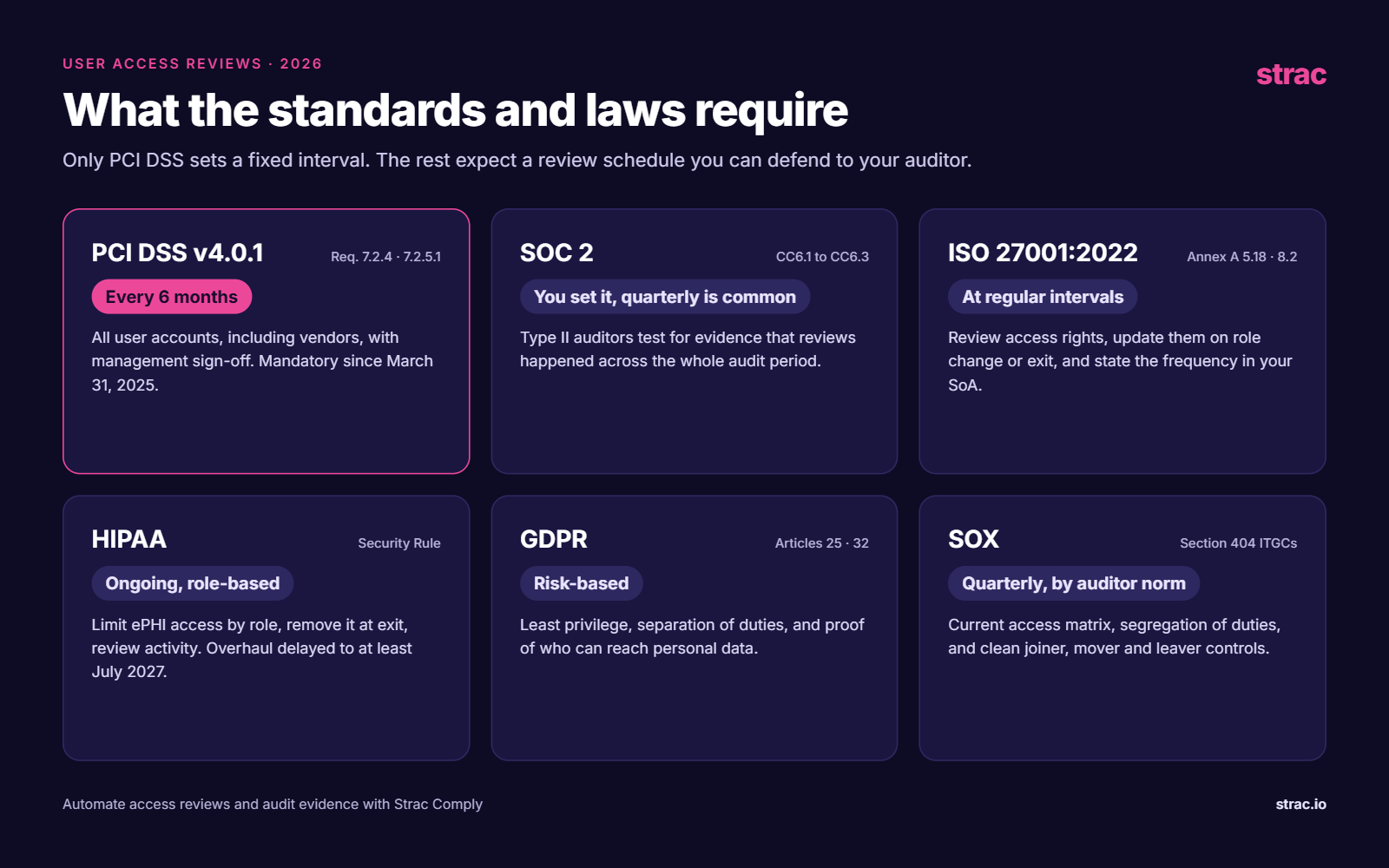
Almost every major framework expects periodic access reviews. Only PCI DSS names an exact interval. The rest leave the schedule to you, and your auditor will judge whether it fits your risk.
PCI DSS is the most specific. Version 4.0 was retired at the end of 2024, and v4.0.1 is the current standard. Its access review rules became mandatory on March 31, 2025.
SOC 2 does not set a review frequency, but the Common Criteria for logical access (CC6.1 to CC6.3) cover how access is granted, changed and removed. In a Type II audit, the auditor will ask for evidence that reviews actually happened across the audit period. Most companies review quarterly, or every six months for lower-risk systems. Prompt removal at termination is one of the controls auditors test most often.
The 2013 version is no longer valid for certification. In the 2022 version of ISO 27001, Annex A control 5.18 (Access rights) requires access rights to be reviewed at regular intervals and updated when people change roles or leave. Control 8.2 adds tighter handling for privileged access. Your Statement of Applicability should say how often you review.
The HIPAA Security Rule asks covered entities and business associates to limit access to electronic protected health information to what each role needs (information access management), to remove access when people leave (workforce security), and to log and review activity in systems holding that data (audit controls and information system activity review).
HHS proposed a major overhaul of the Security Rule in January 2025. Final action has been pushed back to at least July 2027, and the current rule stays fully in force until then.
GDPR does not mention access reviews by name. It does require security appropriate to the risk (Article 32) and data protection by design (Article 25). Regulators read these as requiring least privilege, separation of duties and the ability to show who can reach personal data. Regular reviews, together with data minimization, are the usual way to show that.
If you operate in the EU, two newer laws point the same way. NIS2 requires access control policies for essential and important entities, and DORA, in force for financial firms since January 2025, requires strict control of access to ICT systems.
For public companies, Section 404 requires effective internal controls over financial reporting. IT general controls cover who can access and change financial systems. The law sets no interval, but external auditors commonly expect quarterly reviews of in-scope systems, a current access matrix, segregation of duties, and clean joiner, mover and leaver processes.
There is no single right interval, but there is a sensible default. Review privileged accounts and systems that hold sensitive or financial data every quarter. Review everything else at least every six months, which also meets the PCI DSS minimum.
Scheduled reviews are not enough on their own. Trigger an extra check whenever someone changes roles, leaves, or finishes a contract, and whenever a vendor relationship ends. Between reviews, continuous monitoring catches risky access changes that would otherwise wait months to surface.
The hardest part of an access review is usually not the decision. It is gathering accurate data from dozens of apps, chasing reviewers, and packaging proof for the auditor. Strac covers both sides of the problem.
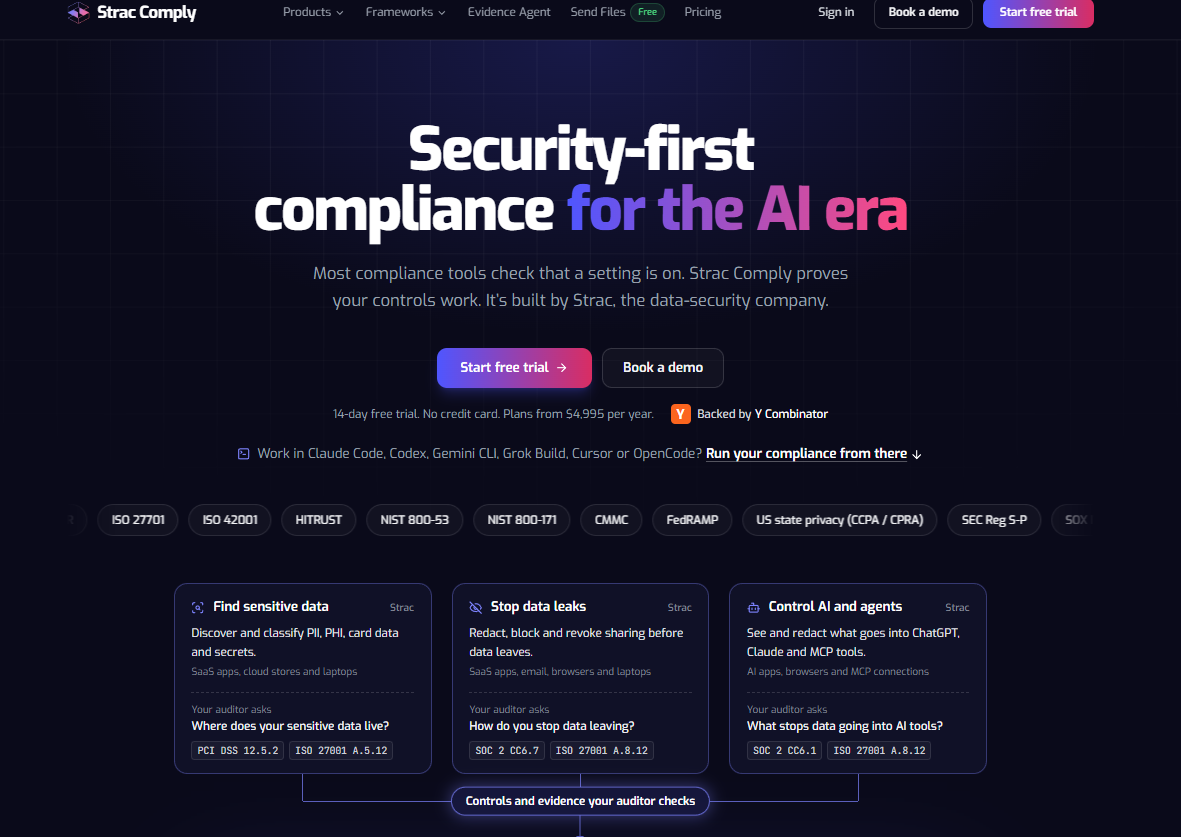
Strac Comply runs the review and the audit:
Strac protects the data those accounts can reach:
Access reviews work best when they are boring: on the calendar, owned by named people, backed by real data, and finished with proof. Start with the systems that hold your most sensitive data, include every vendor, service account and AI tool, and fix the onboarding and offboarding gaps each review uncovers. Do that consistently and the review stops being an audit fire drill and becomes one of the cheapest security controls you have. If you want the collection, reminders and audit evidence handled for you, start a free trial of Strac Comply.
No. Single sign-on only controls logins that go through it. Local admin accounts, API keys, personal access tokens, OAuth grants to third-party apps and files shared by public link all keep working after the SSO account is gone. That is why offboarding needs its own check, and why shadow IT and AI discovery matters.
On paper, maybe. In a SOC 2 Type II audit, a reviewer who approved 400 entitlements in under a minute with zero removals is a red flag, and auditors increasingly sample for it. Give reviewers less to look at: show only changes since the last review, flag unused access, and require a reason for keeping anything privileged. Good evidence shows real decisions, not just signatures.
Yes, and they may need them more than people do. An AI note-taker with read access to every calendar and drive, or an MCP connection on a developer laptop with production credentials, can reach more data than most employees. Treat each one as an account with an owner, a purpose and a review date, and watch what flows into tools like ChatGPT.
For most of your apps, every six months is fine. But small teams are where the riskiest access hides: the founder who is admin everywhere, the first engineer who still holds the root cloud credentials, the agency that built your website. A quarterly review of a handful of privileged accounts takes an hour, and it is usually the first thing a SOC 2 auditor or an enterprise buyer's security questionnaire asks about.
Absolutely. Auditors test controls, not outcomes. A missed review cycle, a leaver who kept access for three weeks, or a review with no record of who approved it can each become an exception in your SOC 2 report or a nonconformity in your ISO 27001 audit. Being lucky is not the same as being compliant.
“Don’t just alert on problems, fix them.”
Scott Roberts, Chief Information Security Officer, UiPath









Customers include