Image Redaction: Discover and Redact Sensitive PCI ,PII & PHI Data in Images
Image redaction removes PII, PCI, and PHI from screenshots, photos, and scans. Learn how it works and how Strac automates it across SaaS, browsers, and AI tools.
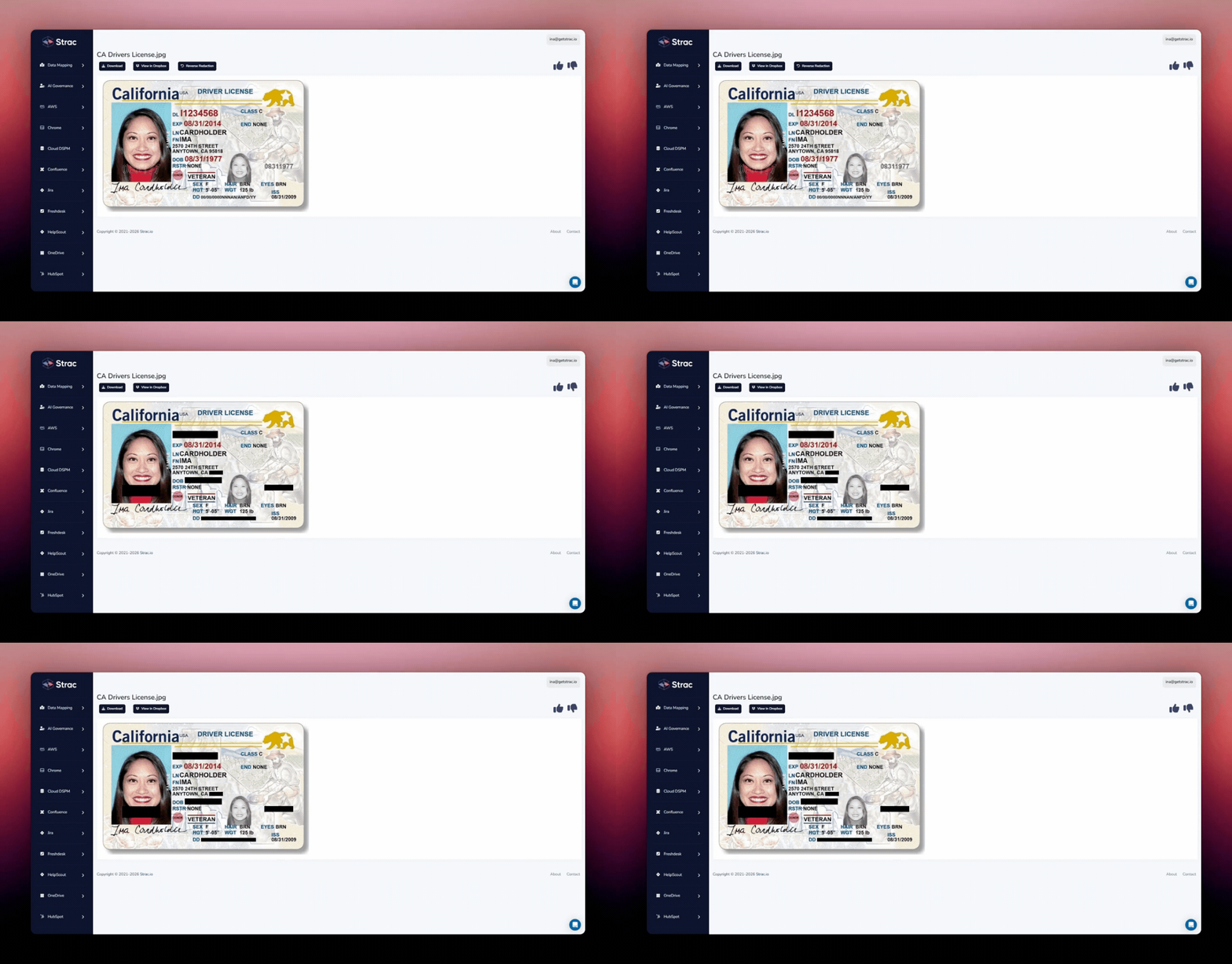
Image redaction is the permanent removal of sensitive data from an image. The card number, ID number, or patient detail is replaced with a solid mark, and the mark is saved into the file. Everything else in the image stays readable.
It differs from cropping a picture or drawing on top of it. Covering hides data from the viewer; redaction removes it from the copy you share.
Why Images Slip Past Traditional DLP
Images are a blind spot for three reasons:
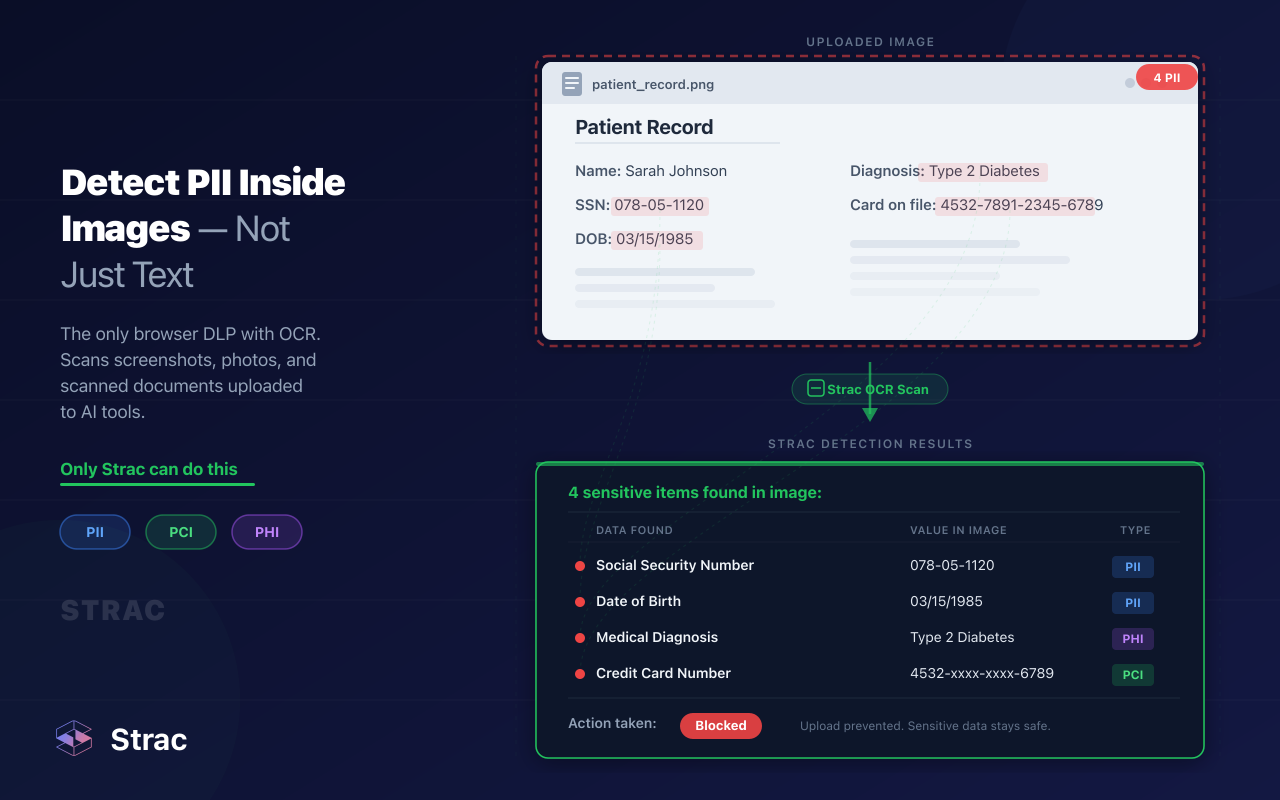
They hold pixels. A rule that searches text for a card number finds nothing in a screenshot of that number.
They travel fast. One screenshot can move from a Slack thread to a Jira ticket to ChatGPT in a few clicks.
They pile up. Old scans stay in Google Drive and SharePoint long after anyone remembers them.
Manual review does not close the gap. A person can redact one image; a support queue receives them all day. Scanning text tells you part of the story. Reading images shows you the rest.
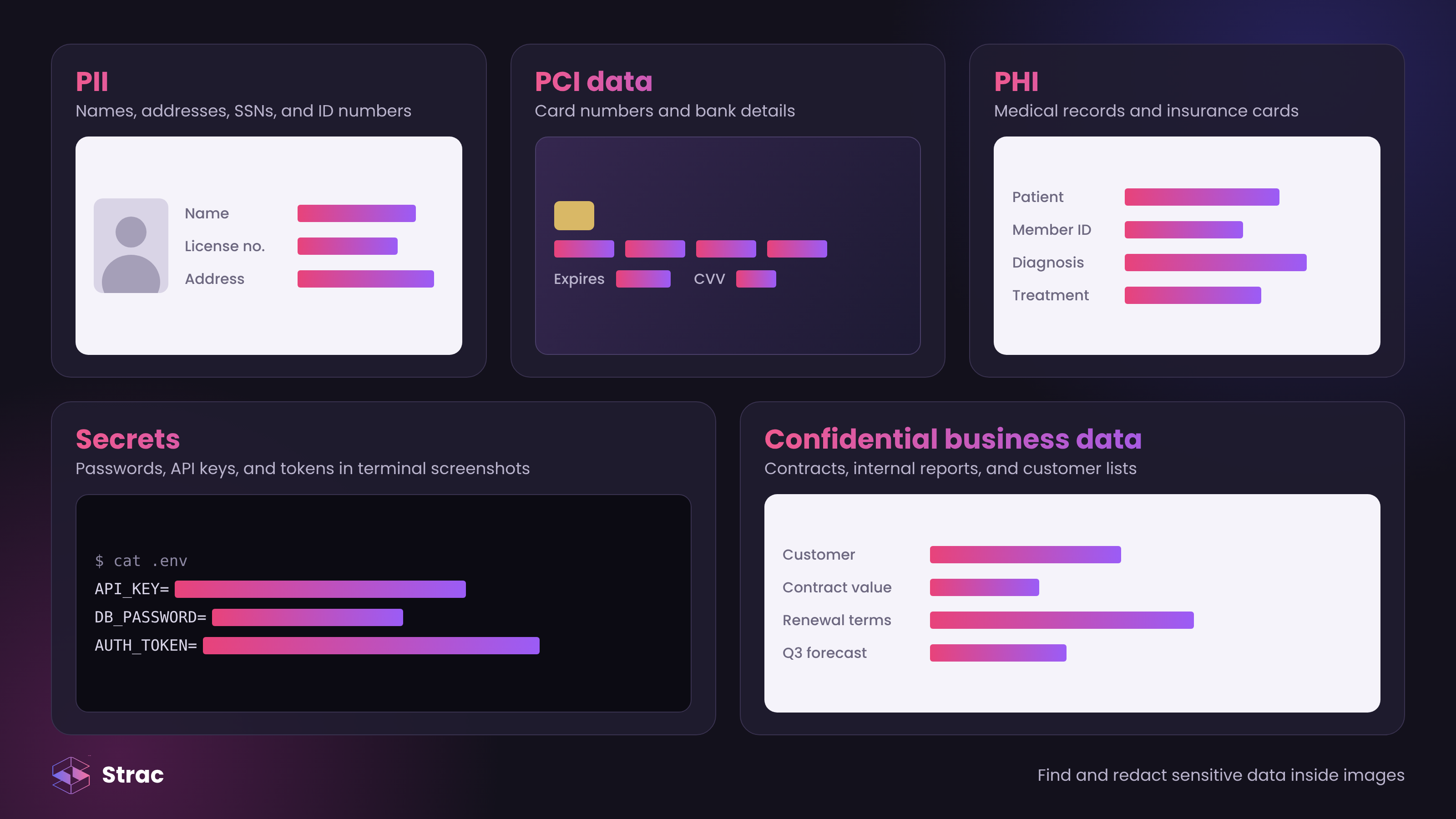
✨ What Sensitive Data Shows Up in Images?
A screenshot captures whatever is on the screen, so almost any record can end up in an image.
PII: names, home addresses, Social Security numbers, and passport or driver's license numbers. See the PII compliance checklist.
A customer sends a photo of a card. Strac redacts the number before it sits in the conversation.
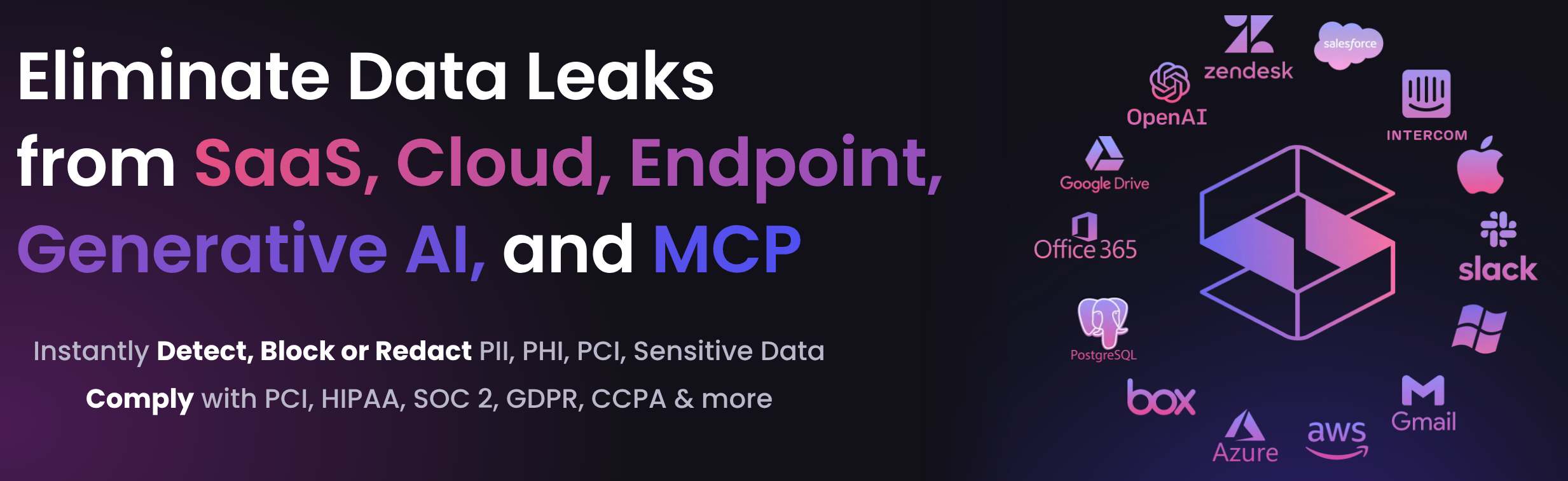
Sensitive images rarely arrive in apps you built. Strac connects to the apps your team already uses and checks images as they arrive, plus many already stored there.
A screenshot can carry the same card number as a database, and a text filter will never see it. Blurring hides data from a quick glance; redaction removes it from the image. Every other control fails eventually, so the data layer is the backstop: redact sensitive data the moment an image lands, and a leaked file holds nothing worth stealing.
Book a demo to see Strac redact images across your stack.
🌶️ Spicy FAQs on Image Redaction
Is image redaction the same as blurring an image?
No. Blurring and pixelation keep traces of the original, and those traces can sometimes be recovered. Redaction replaces the sensitive pixels with a solid mark saved into the file, so nothing remains underneath in that copy.
Why doesn't my existing DLP catch sensitive data in screenshots?
Many DLP tools inspect text, and a screenshot holds pixels. Without OCR, a card number in a photo looks like any other image. Strac reads the text inside images and applies the same detectors it uses on messages and files.
Will image redaction slow down my support team?
No. Strac covers only the sensitive values, so agents still see the rest of the image. In Zendesk, you can also delay redaction until a ticket is closed, so agents finish the work first.
Can automated redaction catch everything in an image?
Not everything. Handwriting, very low-quality photos, and data types you never defined can slip past any OCR tool. Keep human review for legal disclosures, and redact at every entry point so what does get caught never spreads.
Can I redact images before they reach ChatGPT or Claude?
Yes. Browser DLP checks uploads and redacts or blocks sensitive data, and MCP DLP protects files that agents pull from connected apps. See AI data governance for the full picture.
Customer story
“Don’t just alert on problems, fix them.”
Scott Roberts, Chief Information Security Officer, UiPath
Discover & Protect Data on SaaS, AI, MCP, Endpoints & Cloud
Strac provides end-to-end data loss prevention for all SaaS and Cloud apps. Integrate in under 10 minutes and experience the benefits of live DLP scanning, live redaction, and a fortified SaaS environment.